Release notes v0.5.91 (Nov 19)
Calendar
Added an option to hide packages. This makes calendars much more compact in cases where package information isn’t important.
Products & Services
Added a powerful option to bulk edit your product/service catalog, and increased the maximum items per page to 250.
Simply filter the items you want to edit, select them using the checkbox on the left, and a new Bulk Actions button will appear.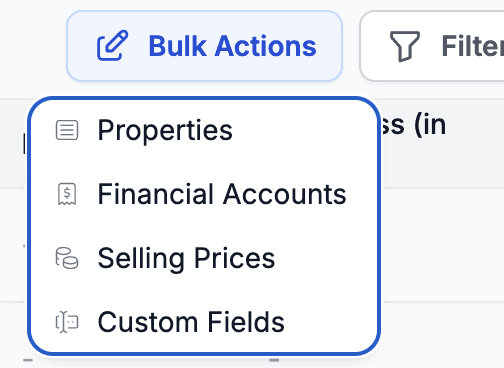
Inventory
Added the ability to consume inventory internally for bulk tracked products.
A typical use case is tracking items used by employees (pads, drill heads, etc.). You can now record who consumed what.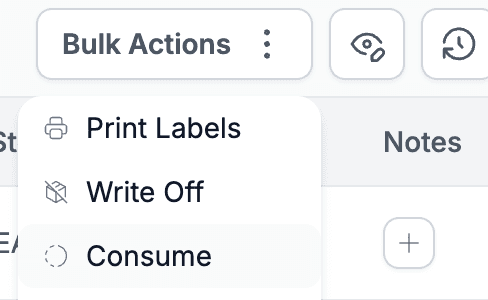
A dedicated consumption report will be released soon.Updated the behavior of the Allocation column. It now shows either the project ID (compact mode) or the full project name (expanded mode). You can control this through the column visibility button.
Customers
Added the ability to export the customer list (requires the Export Customers permission under Data Import & Export). Just click the Export button in the top-right corner.
Added a configuration for selecting which columns you want to see in the customer list.
Tasks
You can now edit workflow names even after they are used in a project (when Grouped by Workflow is on). Just hover your mouse over the workflow name and edit it directly.