Release Notes v0.6.24 (Twilio SMS Integration, Document Template Editor)
Drawing
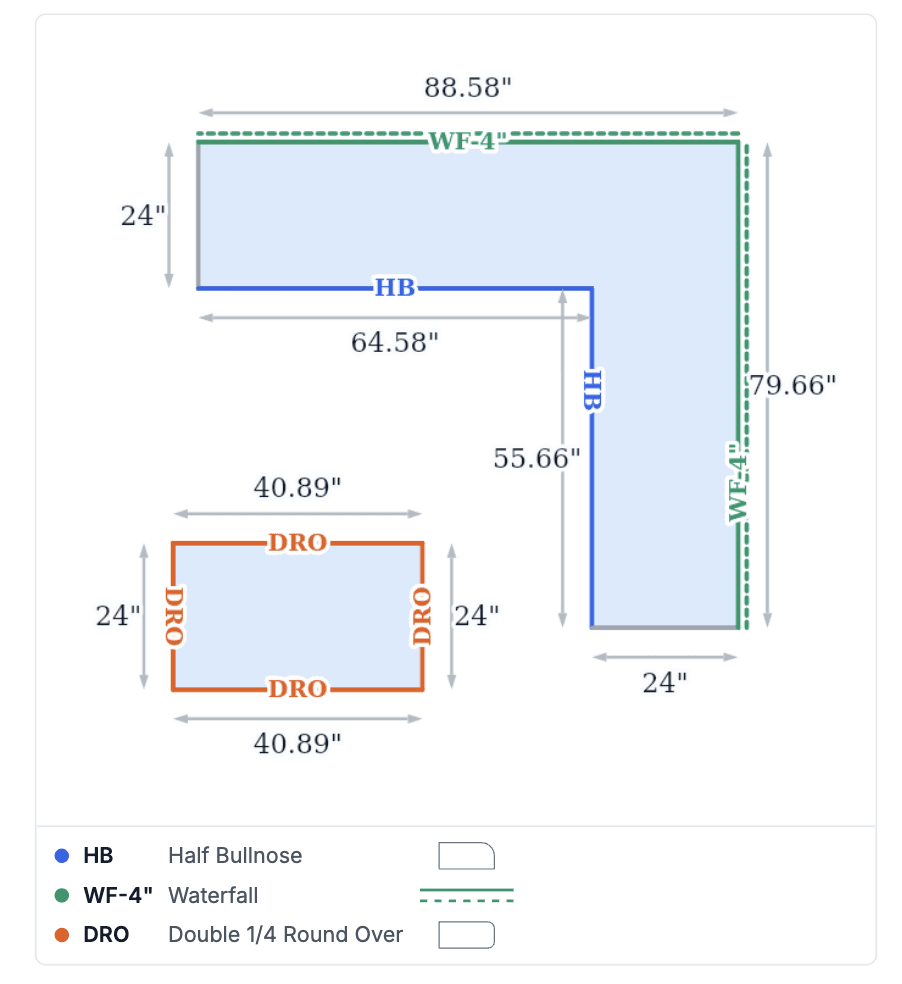
Generated Drawing documents now have a cleaner look. Edge profile abbreviations are smaller and are hidden when there is not enough space (in that case, the edge is indicated only by its color). Dimension values next to the arrows are also slightly smaller.
Twilio Integration and SMS
You can now add Twilio in Integrations. Once connected, you can start sending SMS messages to your customers.
If Twilio is active, you will see a small button in the top-right corner of a Customer or Project, which you can use to open an existing conversation or start a new one.
There are three permissions in the Messaging permission group that control who can set up Twilio, send messages, and read messages.
Document Template Editor
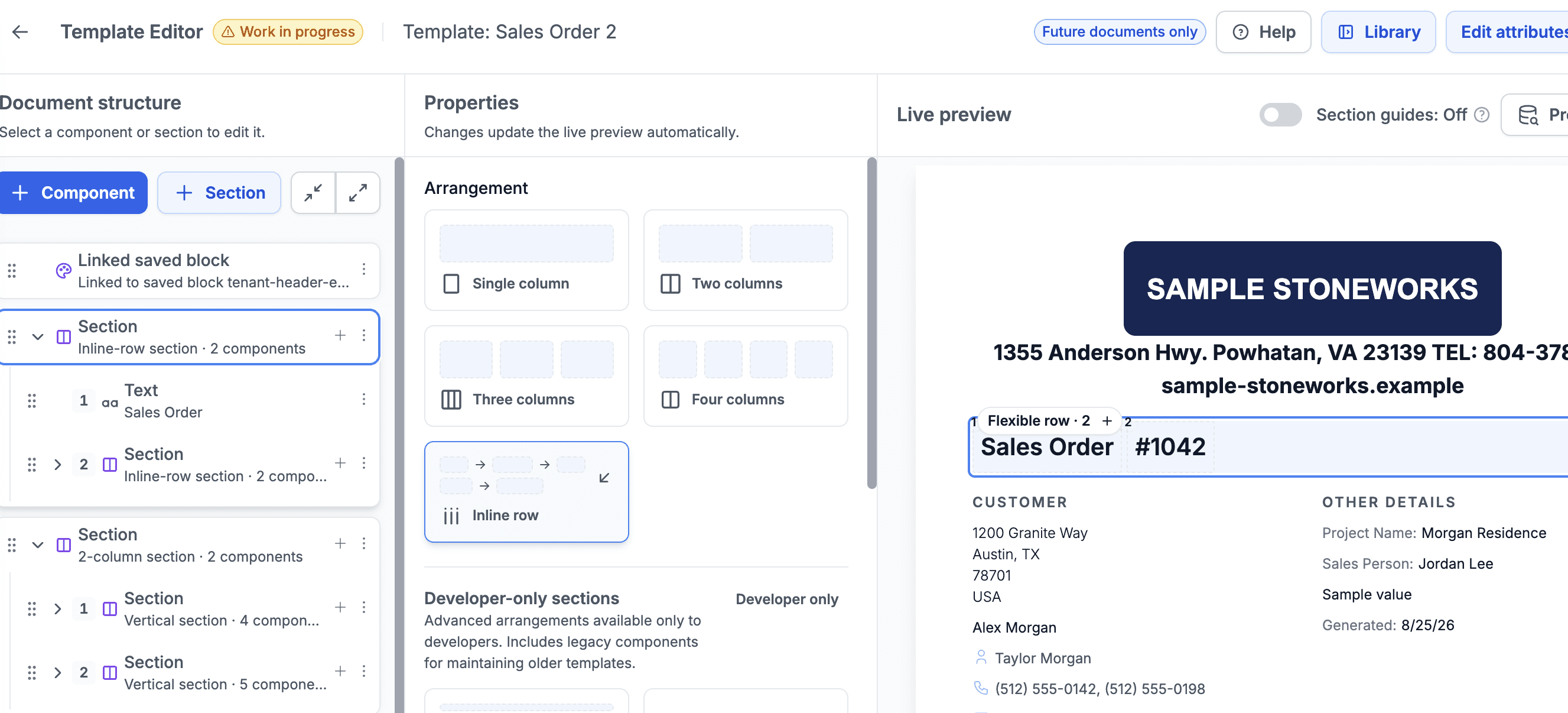
We cleaned up the Document Template Editor and opened it up to users with the Settings for Files and Documents permission (under the Documents permission group). These users can now open and edit Document Templates.
It's important to note that this is a complex feature, so this first version focuses on the basics. We will continue refining it over the following weeks to make it easier to use. If you're interested, you can already check out the current version and start experimenting with it.
To use the editor, select a template and click Edit Template, or create a new template from the Templates tab in Settings.
Search
Search was optimized to provide a slightly faster experience.