Release Notes v0.6.22 (Browse Document Templates, Color-Coded Drawing Packages)
Drawing
When a Quote document is generated with the drawing placed after the lines, each piece is now automatically color-coded by package, with a legend displayed underneath.
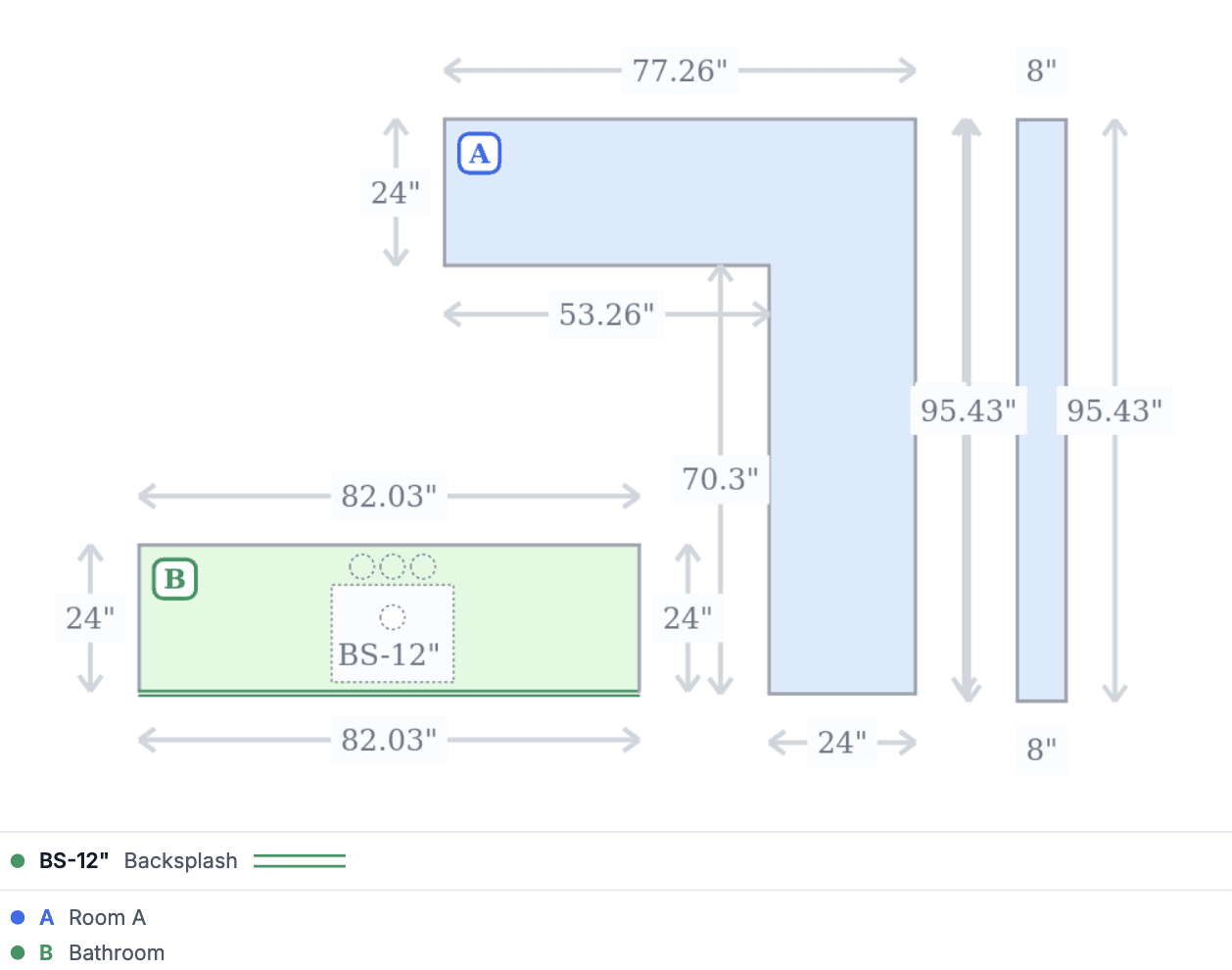
Cutouts can now be duplicated in Drawing.
Sales Pipeline
Added an option to bulk edit stale Leads and Quotes. Click the button to resolve stale items and a modal will open where you can select multiple Leads/Quotes and move them to the appropriate state in bulk.
Slightly improved the design for a cleaner look.
Calendar
If a task is related to a Lead and that Lead has a Referrer, the Referrer is now shown in the Calendar.
Documents
It is now possible to see the existing documents set up for your company. Go to Settings > Files & Docs > Templates.
When documents are generated, the preview is now shown on the right side. It is also possible to reorder the bundles.
Notifications
Real-time notifications are now enabled by default for everyone. If you want to customize which notifications you receive, you can do so from your Profile > Notifications.
Purchase Orders
The PO Calendar now has an option to color-code items based on either the PO Status or Receive Status.
Inventory
The Inventory In Stock report now has an As Of option, allowing you to see inventory as of a specific date.
Sales Tax Liability Report
Changed how the payable amount for the Cash method is shown in the detail modal after clicking the amount. The new Paid in Period column shows all payments and their amounts.