Release Notes v0.6.16 (Major Drawing Improvements, Automatic Slab Nesting)
Drawing
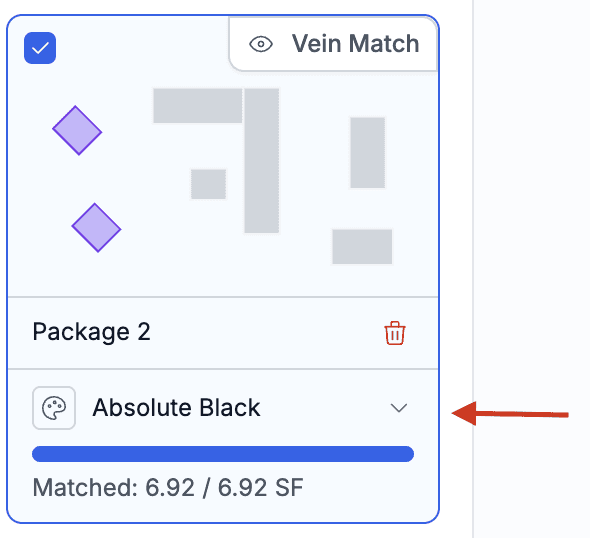
Changed how Layout shape selection works. The left panel now shows a preview from the main canvas, and clicking a shape (either in the left package menu or on the main layout canvas) highlights it, making it clear which shape is selected.
Added an option to assign shapes to packages manually instead of automatically assigning them based on their position.
Enable this in Settings > Drawing > General > Package Assignment.
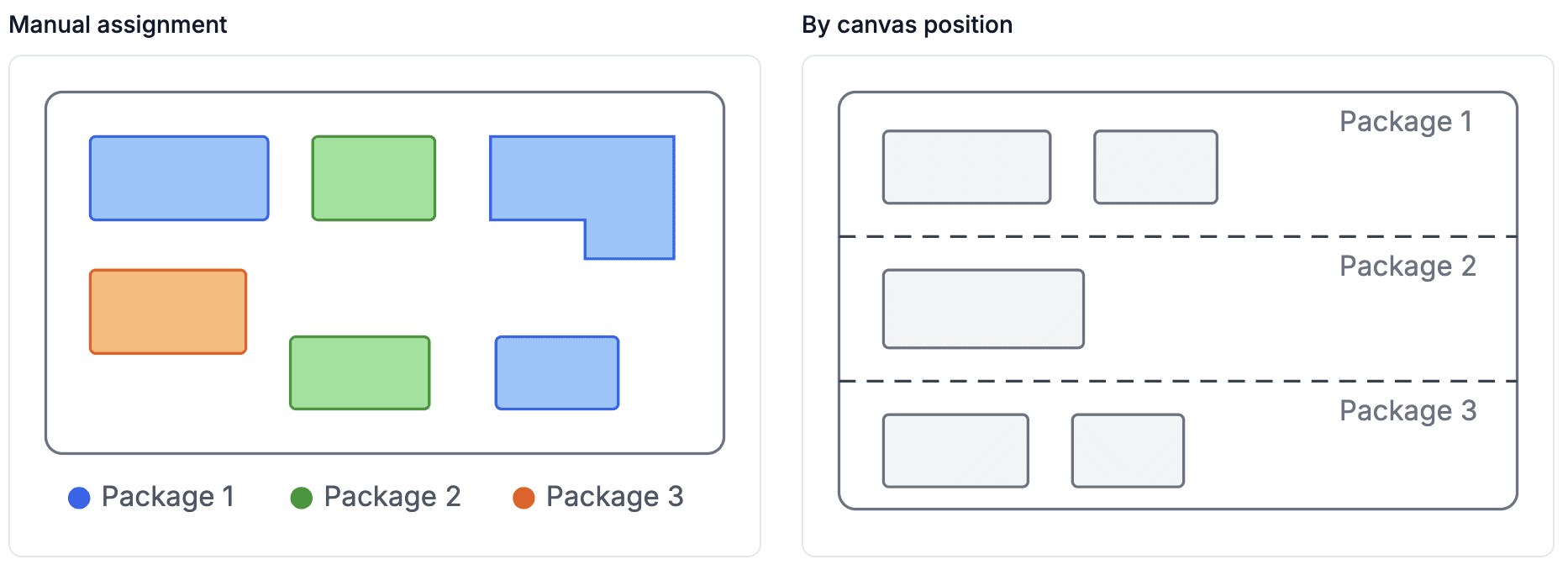
When enabled, this behavior applies to all drawings. Instead of using dividers and automatically assigning shapes based on where they are drawn, you can assign each shape individually.
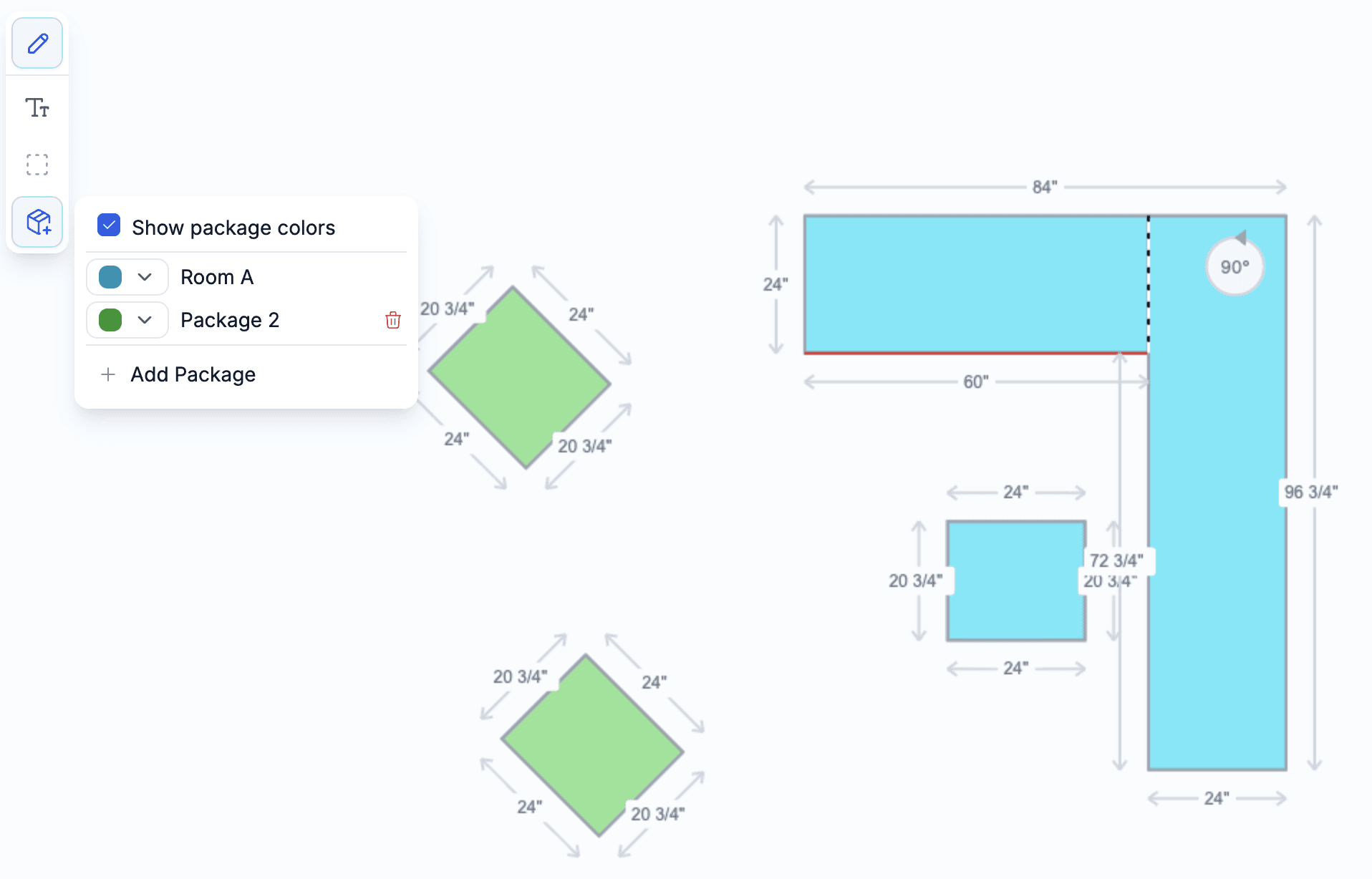
The context menu allows you to add/remove packages, assign colors, and display package colors so you can easily see how your canvas is organized.
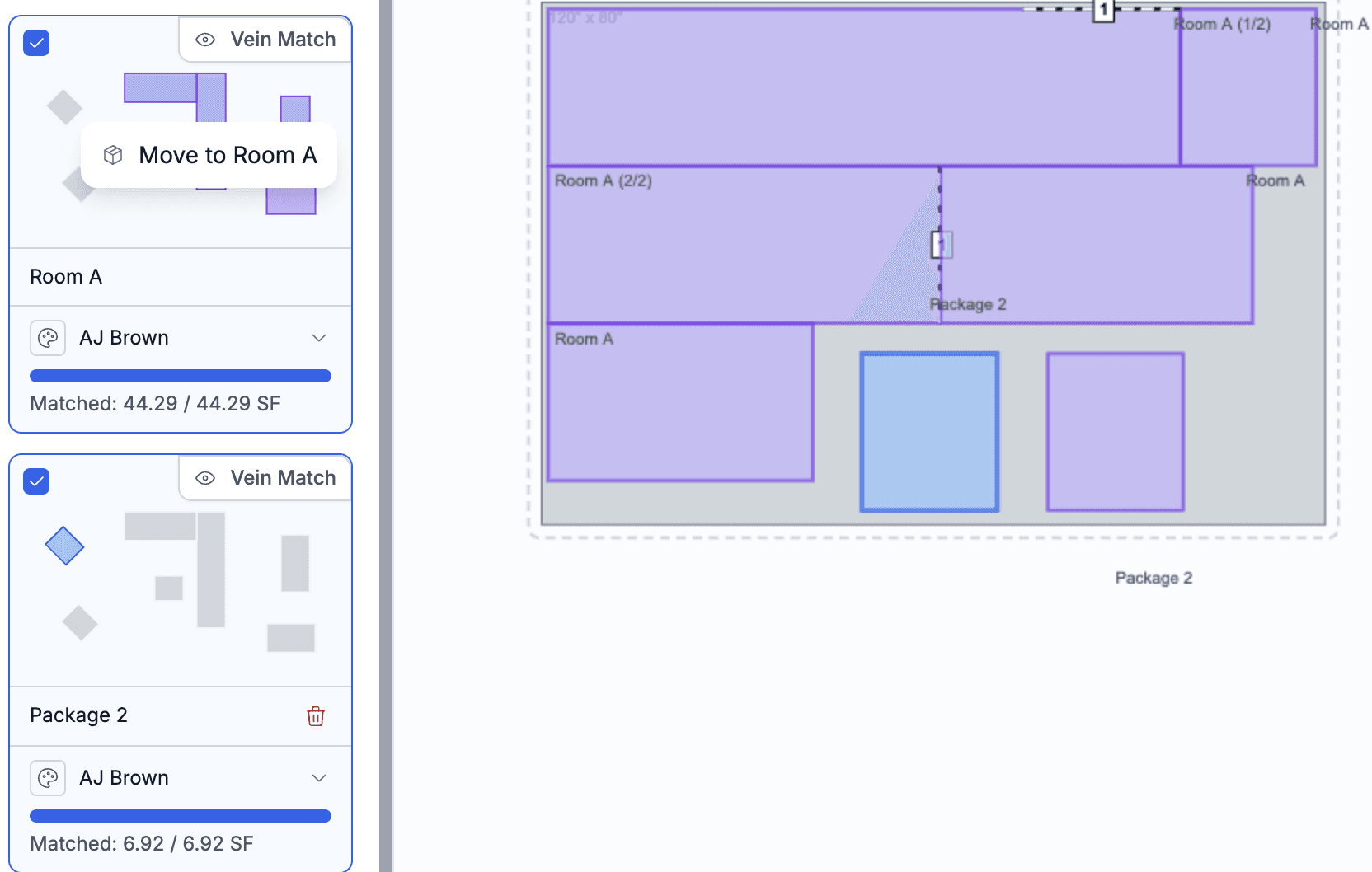
More importantly, the Layout step allows you to move pieces between packages, keeping the drawing independent from how quote lines are grouped and generated.
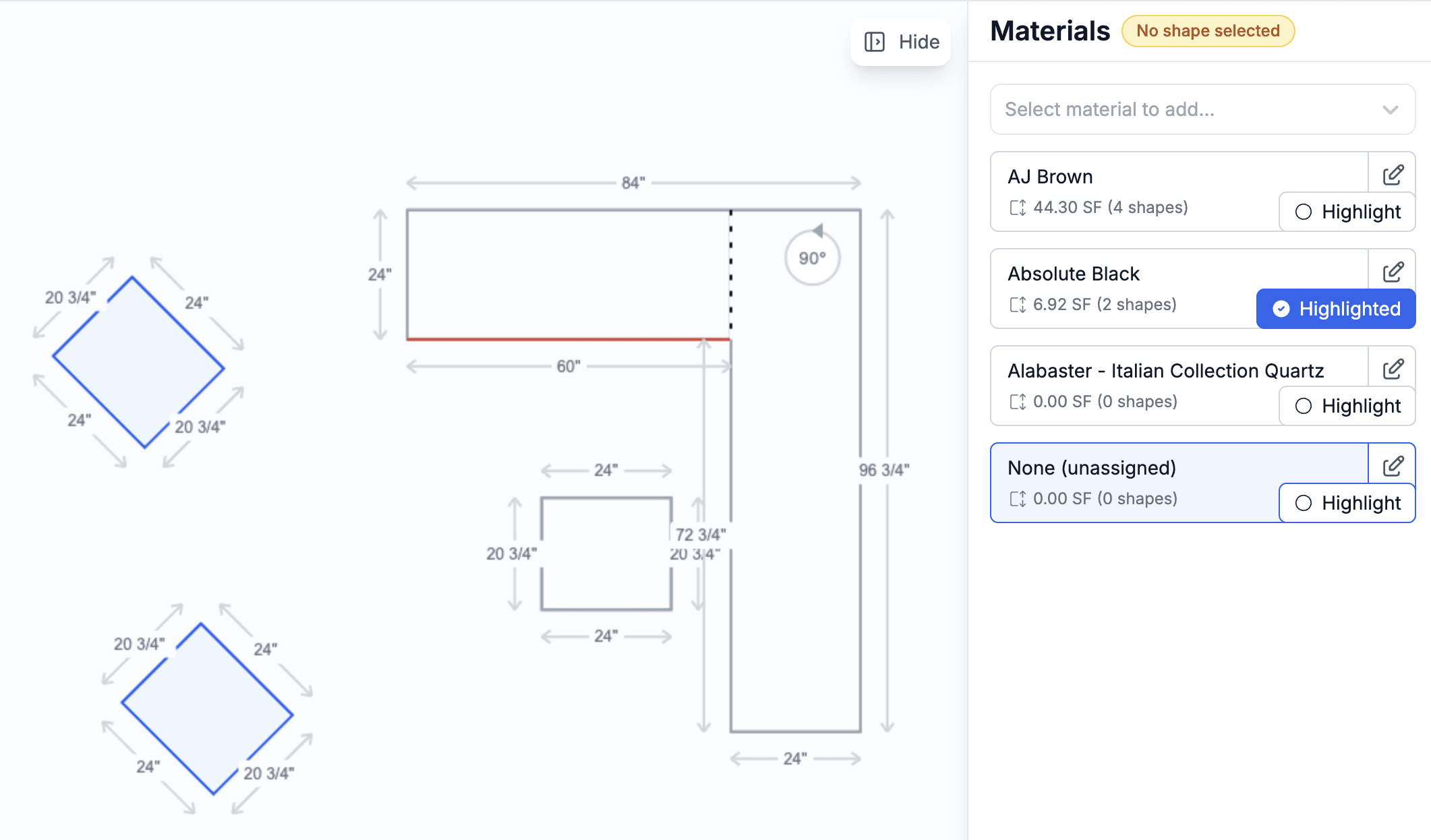
Redesigned the Material menu. It is more compact, displays more materials at once, and allows you to assign a material in a single step. Once a material is selected, all newly drawn shapes will use that material. There is also a new highlight option that quickly shows all shapes using the selected material.
Layout cards now include a selector for bulk material assignment. This makes it easy to draw all shapes first, organize them into packages, and then assign materials in bulk. Packages can still contain multiple materials if needed.
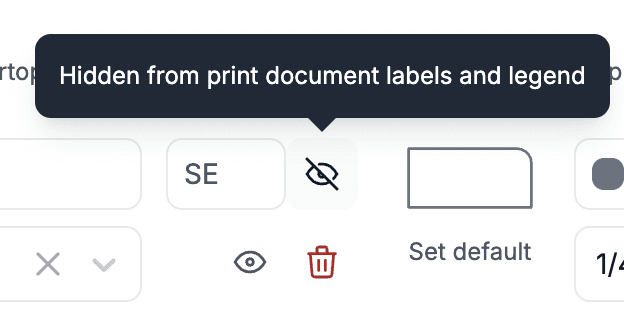
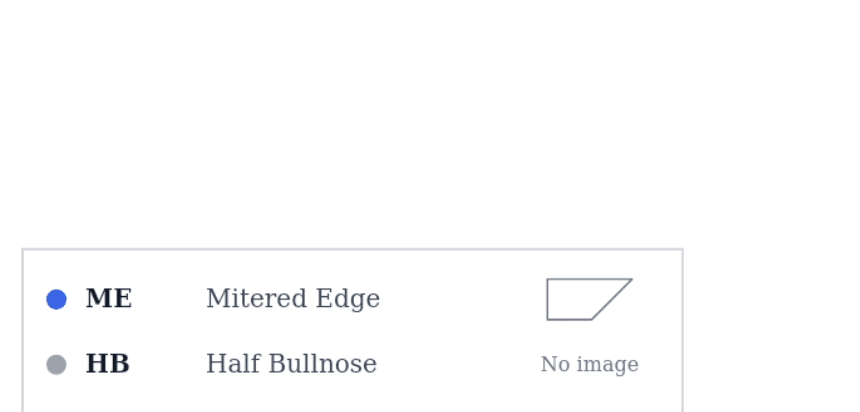
Added an edge legend to generated documents with drawings. You can control which edges appear in the legend in Edge Settings by enabling or disabling the Show in Legend option for each edge. If you do not want the legend included in your quote documents, contact us and we can remove it from your document setup.
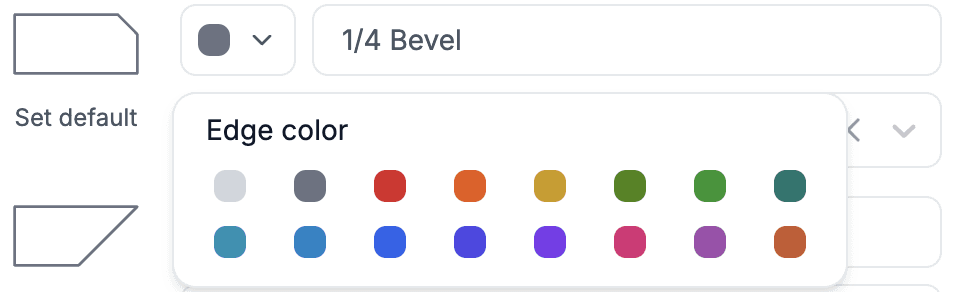
Edges can now have custom colors, making drawings easier to organize and understand.
Added support for fractional inch measurements (for example,
12 3/8instead of12.375). Configure this in Drawing Settings > General > Use Fractional Inch Measurements.Simplified the shape context menu by replacing button text with tooltips, making the drawing interface cleaner.
Material selection in the Layout step now prioritizes materials already used in the drawing, making material switching faster.
When adding a custom slab in the material selection, the system automatically checks whether the selected packages contain only one material type. If they do, the custom slab is automatically created using the default slab size configured for that product.
When a Quote or Project is duplicated, all associated drawings are duplicated as well, making it easy to create variations of existing layouts.
Slab Nesting
Added the ability to automatically nest pieces on slabs. This first version focuses on finding the best layout for pieces and does not automatically generate seams.
To use it, add one or more slabs in the Layout step and click Auto Nest.
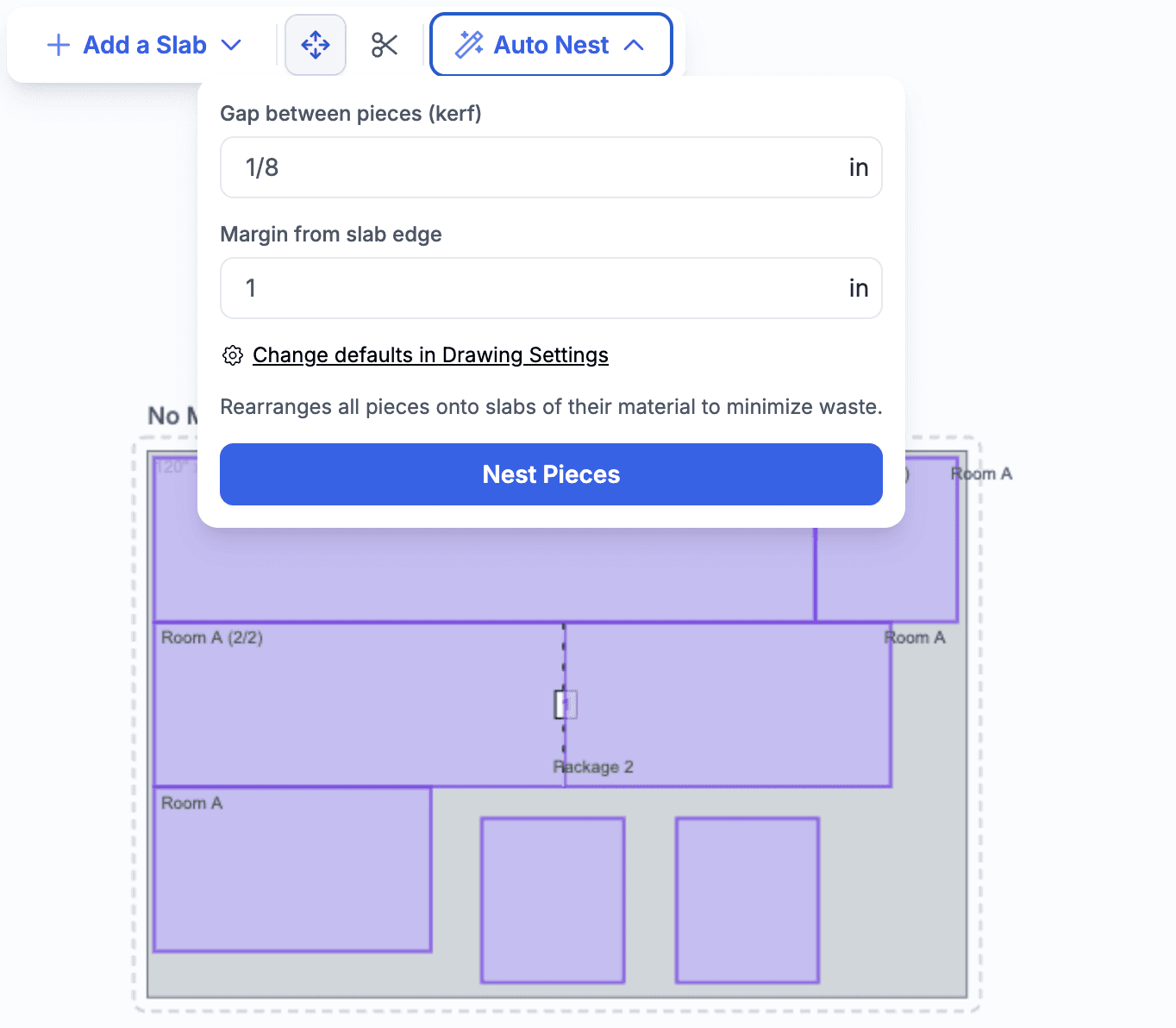
The dialog displays the default gap values between pieces and slab edges. You can override these values for the current operation or configure new defaults in the settings.
Invoices
Invoices now display a sent status, similar to other documents. This makes it easy to see whether an invoice has been sent and how long ago.
Agents
Added tools for working with Tasks, enabling AI agents to automate and gain insight into a much wider range of business processes.
Added tools to upload and list project files.
Pricing
Parent-Based Pricing (Package Templates / Drawing Line configuration) now also supports pricing based on a product's subcategory, extending the existing support for category, type, and custom fields.