Release Notes v0.6.17 (One-Click Slab Nesting, Drawing Improvements)
Drawing
Added a Reset option to the Layout step. This removes all slabs and moves the pieces back to the starting position.
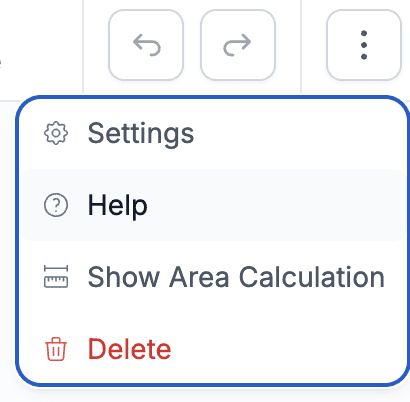
Pressing the Esc key while in Add Seam mode now cancels the operation and returns you to Arrange mode. You can view all available shortcuts in 3-dot menu > Help.
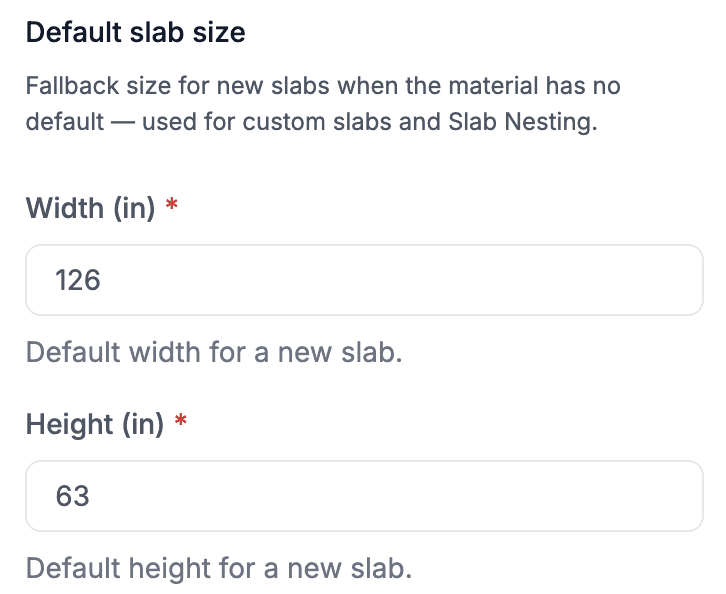
Added an option to configure a default slab size in Drawing Settings > General. This size is used when adding custom slabs in the Layout step and is also used by the automatic slab generation feature during Auto Nest.
Slab Nesting
The slab nesting algorithm has been improved. If you had cases in the past where the generated layout was not ideal, give it another try.
Added the ability to estimate and automatically generate the required number of slabs for the pieces in the drawing. Simply keep the Generate Slabs Automatically option enabled when running Auto Nest. This feature uses the default slab size configured for each product.
Slab nesting is now a true one-click experience - create your drawing, click Auto Nest, and Stonify will automatically estimate the required slabs and generate the nesting layout.