Release Notes v0.6.12 (Drawing Pricing, Auto-Generated Lines)
Drawing
Drawing now shows the material price and supports automatic pricing by slabs from Step 5 – Layout.
Step 5 (Layout) displays costs in the top-right corner. This uses the same Cost Margin Calculator as the rest of the system and respects your configuration in Settings > Quotes > Cost Margin Pricing.
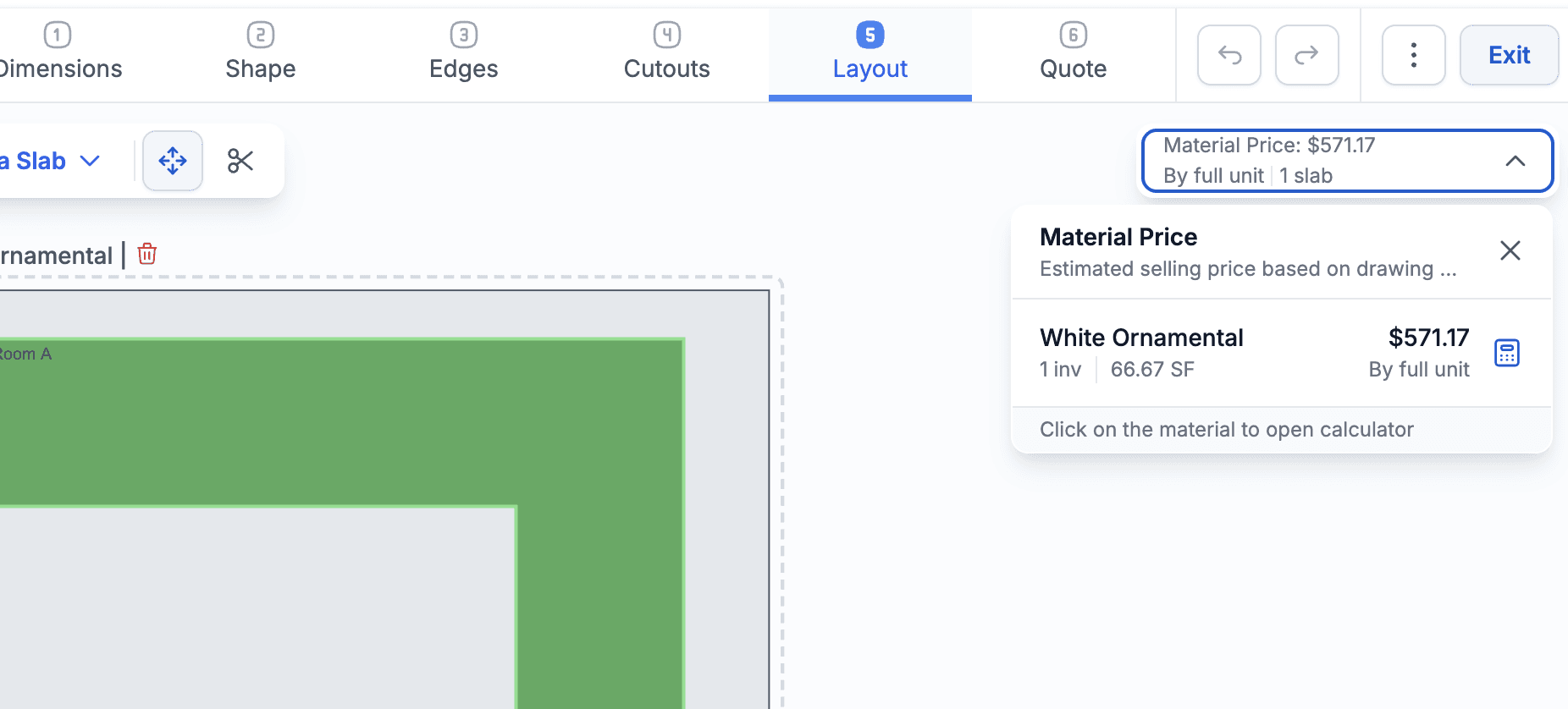
You can define whether Drawing should use:
Standard Price Tier pricing
Margin-based pricing
Margin-based pricing by slab or area
Configure this in Drawing Settings > General > Layout Calculator Quote Pricing.
Added an option to automatically generate lines from the Drawing.
A typical use case is a fabrication service that should always be generated together with a material line and use the same quantity.
Configure generated lines in Drawing Settings > Lines. The setup is similar to Package Templates, with the addition of a new option called Included When:
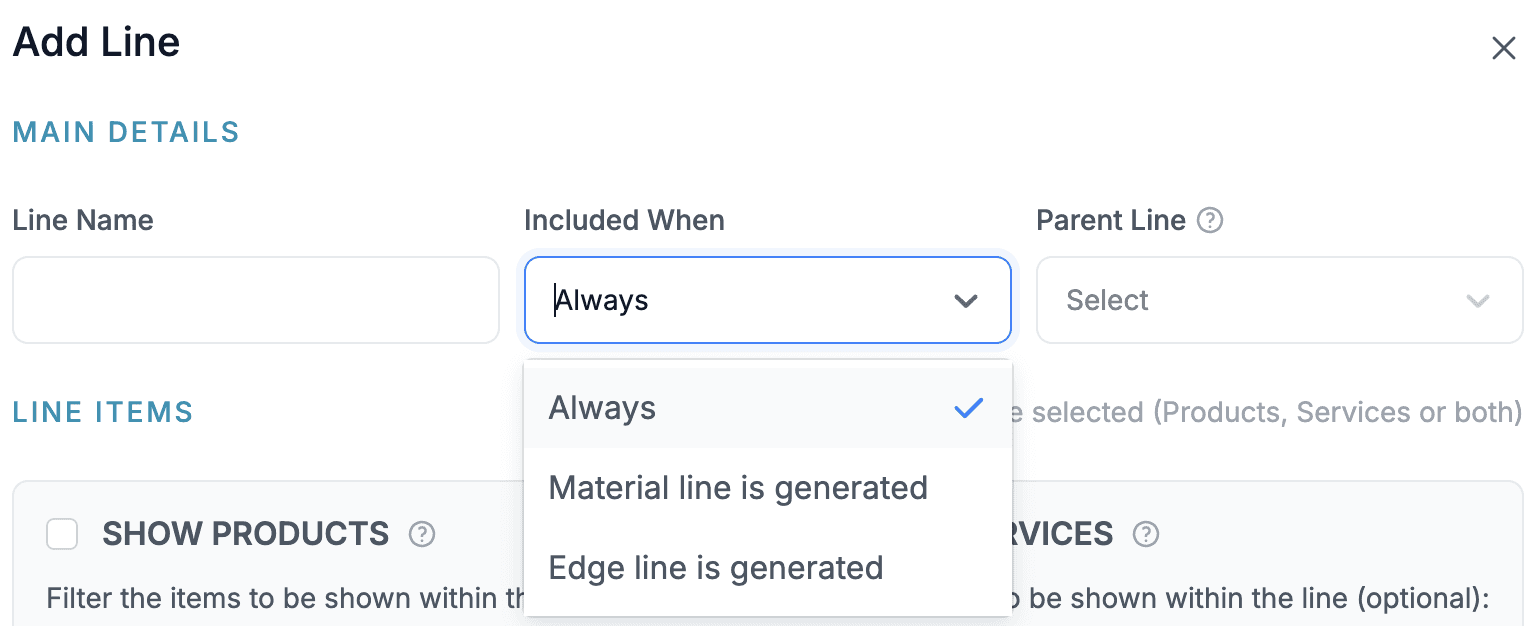
Always — the line is always generated.
Material Line Is Generated — the line is generated whenever a material line exists in the drawing (which is typically always).
In most cases, you will also want to enable Use Material Line as Parent so the generated line automatically inherits the material quantity.
Edge Line Is Generated — same behavior as above, but based on generated edge lines.
Generated lines can be created for each material line or for each edge line, depending on your configuration.