Release Notes v0.6.10 (Profit Centers, Avalara Integration)
Profit Centers
Added support for Profit Centers. Profit centers allow you to “tag” accounting operations so you can view your P&L or Balance Sheet based on those tags.
A typical use case is defining a profit center per location or region so you can compare business performance across them.
To enable this feature, go to Settings > Finance > Profit Centers.
Assign profit centers to your warehouses (this is how inventory is recognized for the Balance Sheet). You can do this in My Company Settings by editing a warehouse.
The current version tags only new accounting entries.
The next version will include an automatic migration tool that updates entries in the current accounting period when profit centers are assigned retroactively (e.g., assigning an existing warehouse or project to a profit center).
Journal entries now include a new Profit Center column.
You can assign a default profit center to users. When a Quote or Project is created and a primary sales person is selected, the system automatically assigns the configured profit center.
Sales Tax – Avalara Integration (Automatic Sales Tax Calculation)
Added integration with Avalara. Avalara automatically computes sales tax based on the onsite/project location.
To enable this, go to Settings > Integrations > Avalara.
Stonify automatically creates tax collectors based on project location.
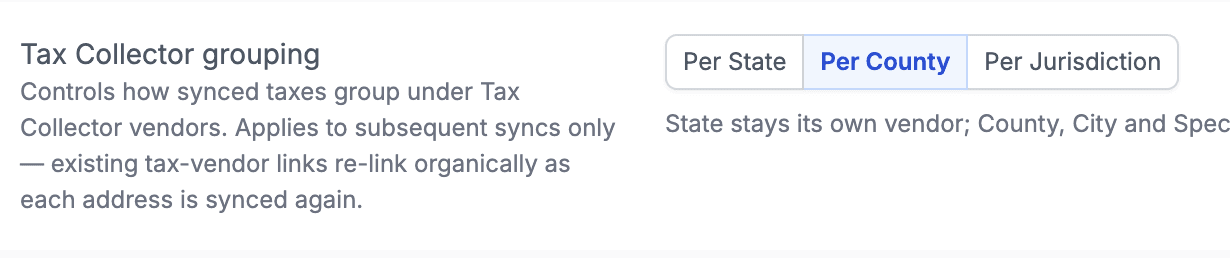
You can choose whether taxes should be grouped by State, County, or Jurisdiction (most granular level).
The explanation for each option is available directly in the integration settings.
The Tax Catalog was improved (Settings > Finance > Taxes):
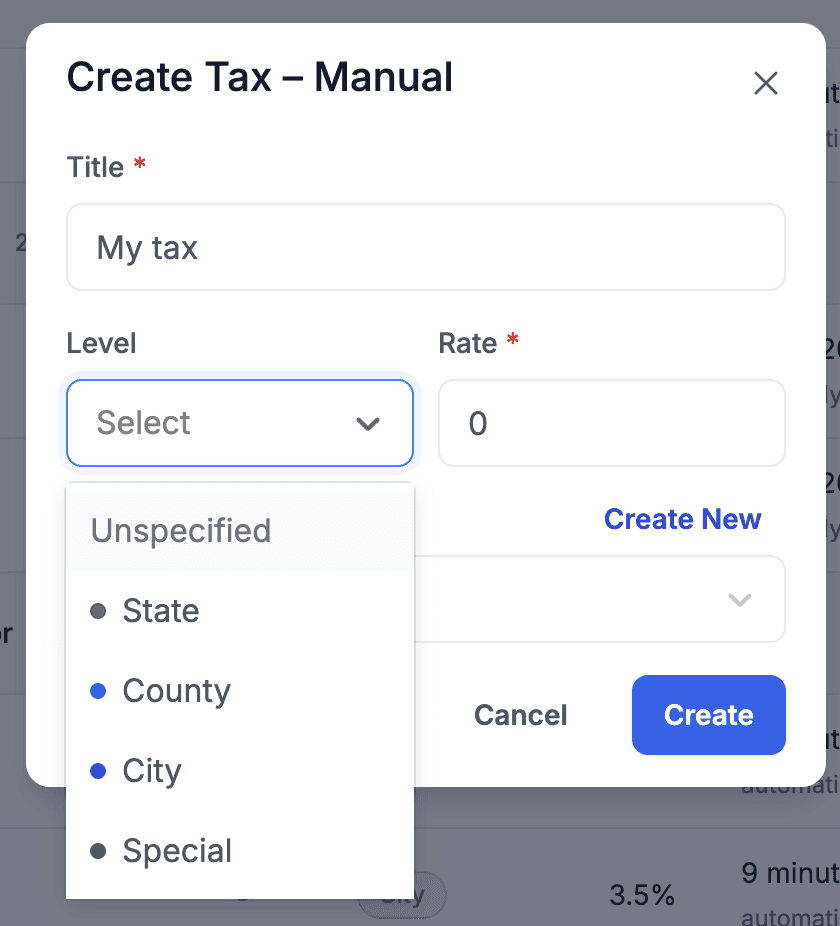
Taxes can now be classified as:
State
County
City
Special
Undefined
Taxes can also be grouped either by tax collectors or by tax levels.
Added a new tool called Tax Collector Liabilities at the bottom of the Taxes page.
This tool allows you to transfer tax liabilities from existing invoices when tax collector configuration changes.
Example: You initially configured Avalara to use the State as the tax collector, but later realize some taxes should instead be paid to a County.
This tool allows you to migrate those liabilities to the correct tax collector.
Live Inventory
It is now possible to have multiple Live Inventory links and define which warehouses each link is connected to.
This allows you to have, for example, one link for customers and another for internal use.
Custom Fields
Added an option to define custom fields per product type.
This allows you to have different custom fields for slabs, sinks, tools, etc.
Margin Calculator
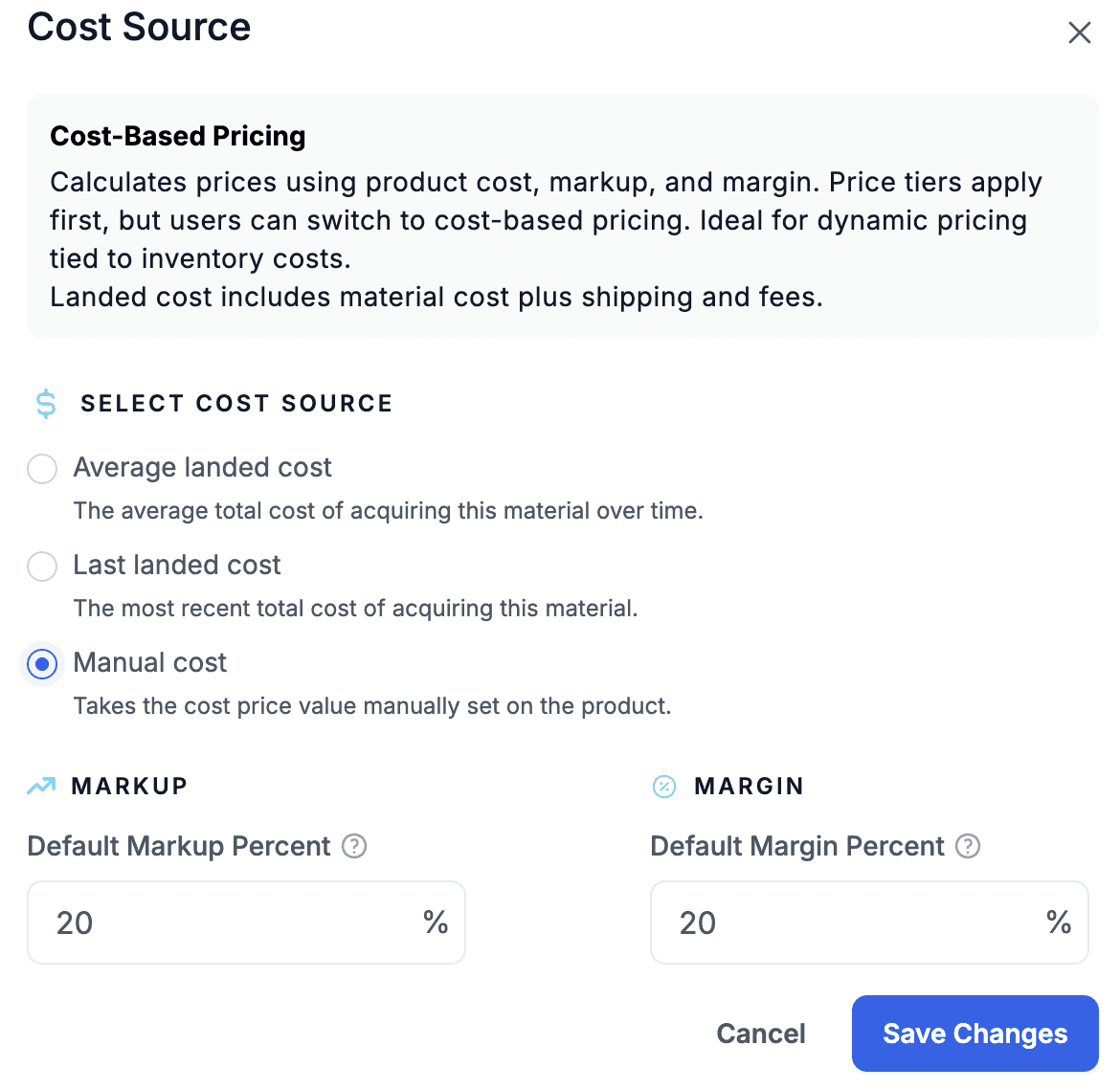
Added a third option for cost computation - manually entered cost.
You can now base costs on:Last landed cost
Average cost
Manually entered cost on the product
Configure this in Settings > Quotes > Cost Margin Pricing.