Release Notes v0.6.7 (Discounts Report, Tracking Metrics, Margin Calculator Improvements)
Calendar
Added a new setting called Tracking Metrics.
By default, it is set to Slab (e.g., to track daily installation square footage), but it can be changed to other metrics (e.g., plywood installations).
You can also choose whether to include total task time as part of the metrics.
Added an option to show the onsite contact on the calendar card.
Product Type – Dimension & Consumption Model
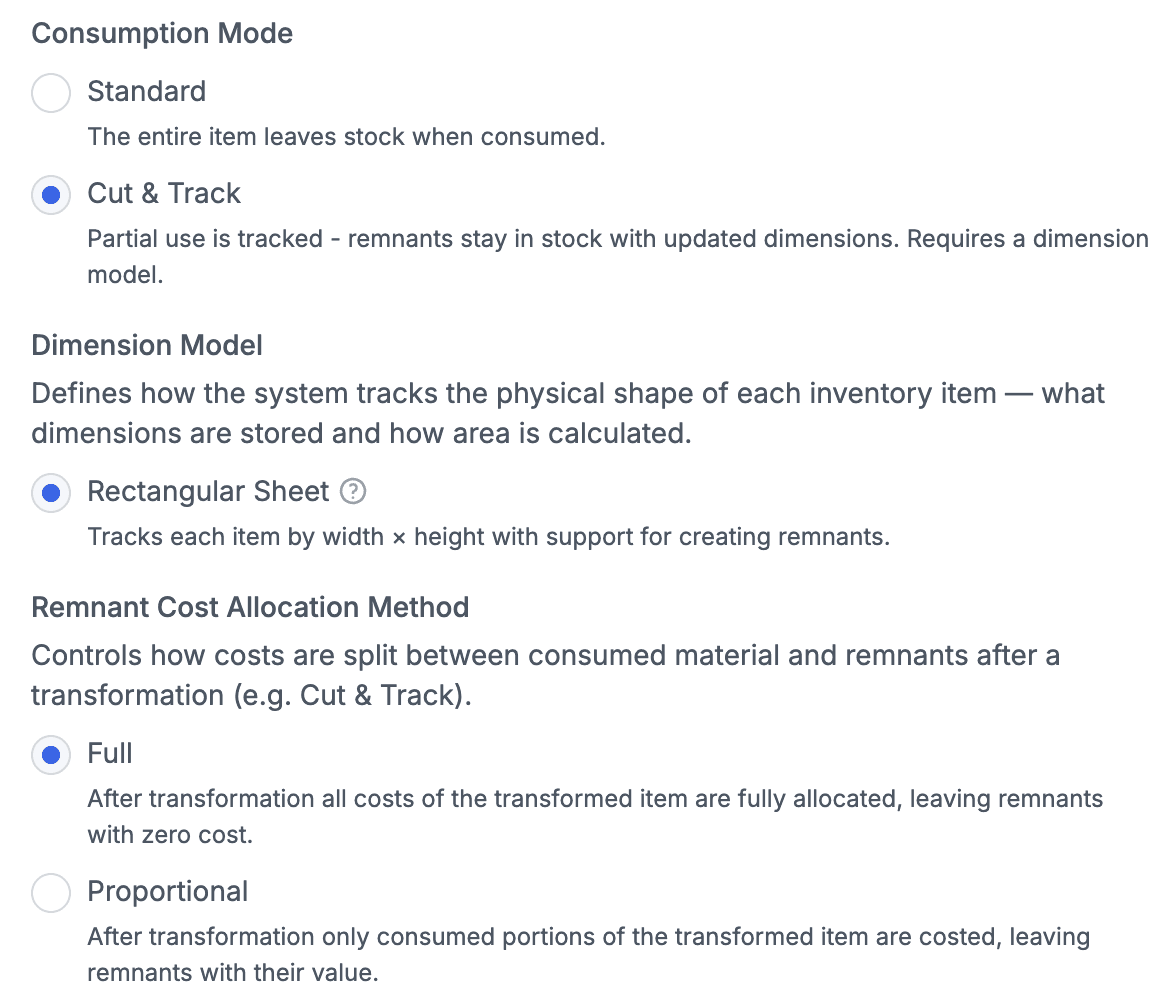
Product types now support a consumption and dimension model for serialized inventory.
Consumption mode defines how inventory behaves:
Remnant-based (default for slabs) — supports remnant calculation
Full consumption — item is consumed entirely (no remnants)
You can also define how COGS is allocated:
Proportional — remnants keep proportional cost of the original slab
Full (default) — full cost is assigned to the first cut, and remnants have $0 cost
Margin Calculator
Added an option to choose between markup and margin calculation.
Added a mode to calculate pricing either by slab or by square footage of the line.
Drawing
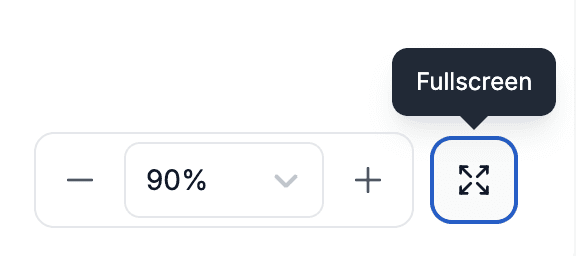
Vein matching now includes zoom controls and a maximize option to use the full screen, making alignment easier.
Discounts
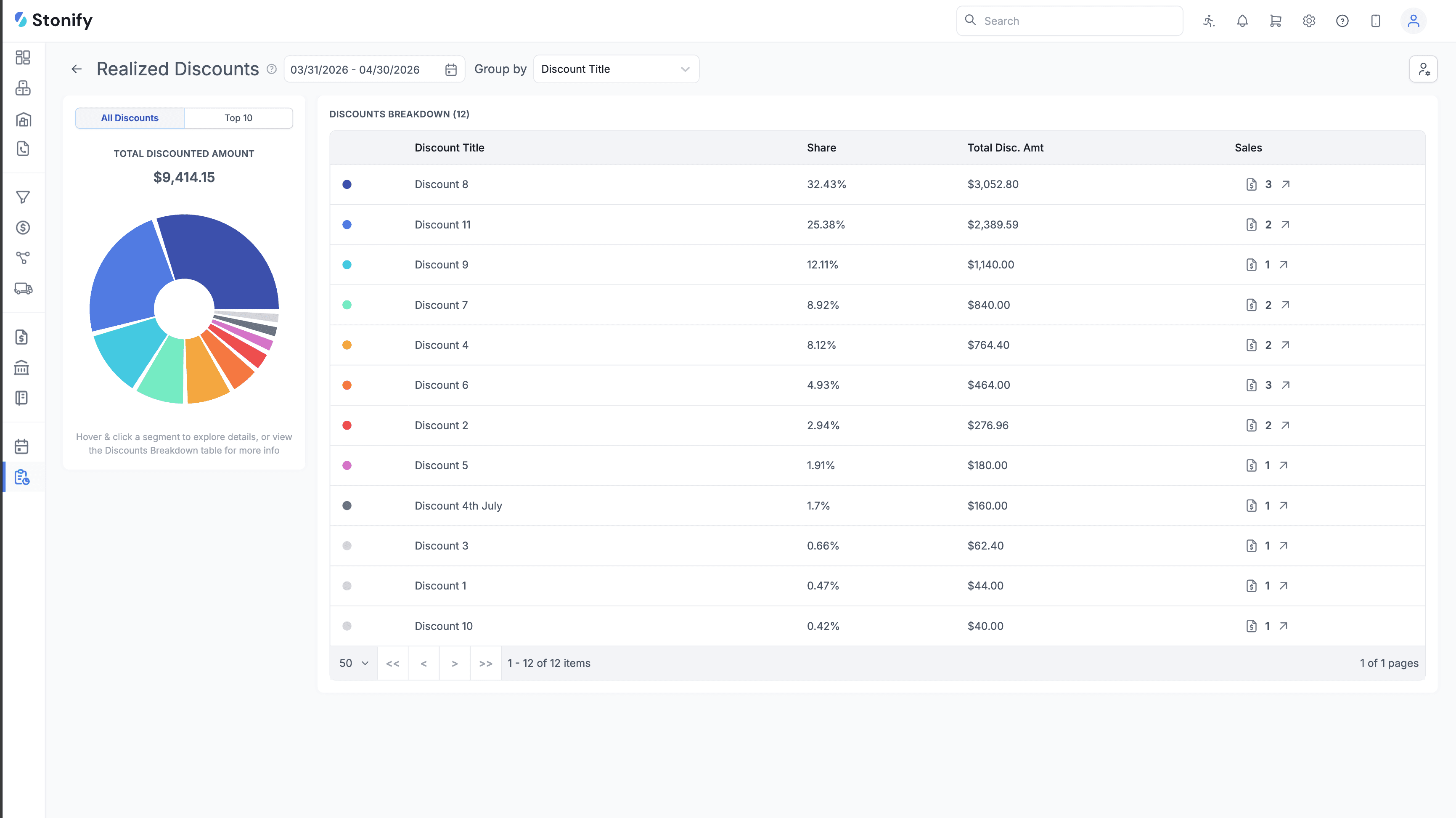
Added a new Discounts report that shows discount volume and breakdown over a selected period.
This helps you understand where discounts are being applied and identify the largest revenue impact.
Sales Restriction
Added a separate permission flag for sales restrictions, allowing you to control who can set warnings/blocks independently from who can edit contacts.
Data Import
Added an Inventory Images tab for bulk image uploads.
Product and Service import spreadsheets now include an “Apply Discount by Default” column.
Pricing tier columns are now auto-generated based on your existing tiers, making the spreadsheets easier to use.
Payments
Added a changelog for payments.