Release Notes v0.6.5 (Drawing Center Lines, Payment Receipt Document, Material in All Tasks Report)
Drawing
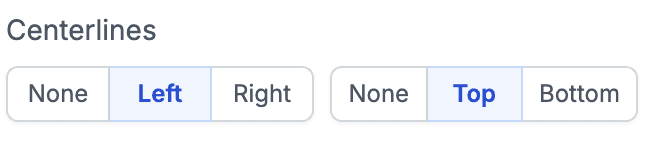
Added an option to show center lines for cutouts and display distances from edges. You can enable this in the right panel of the cutout.
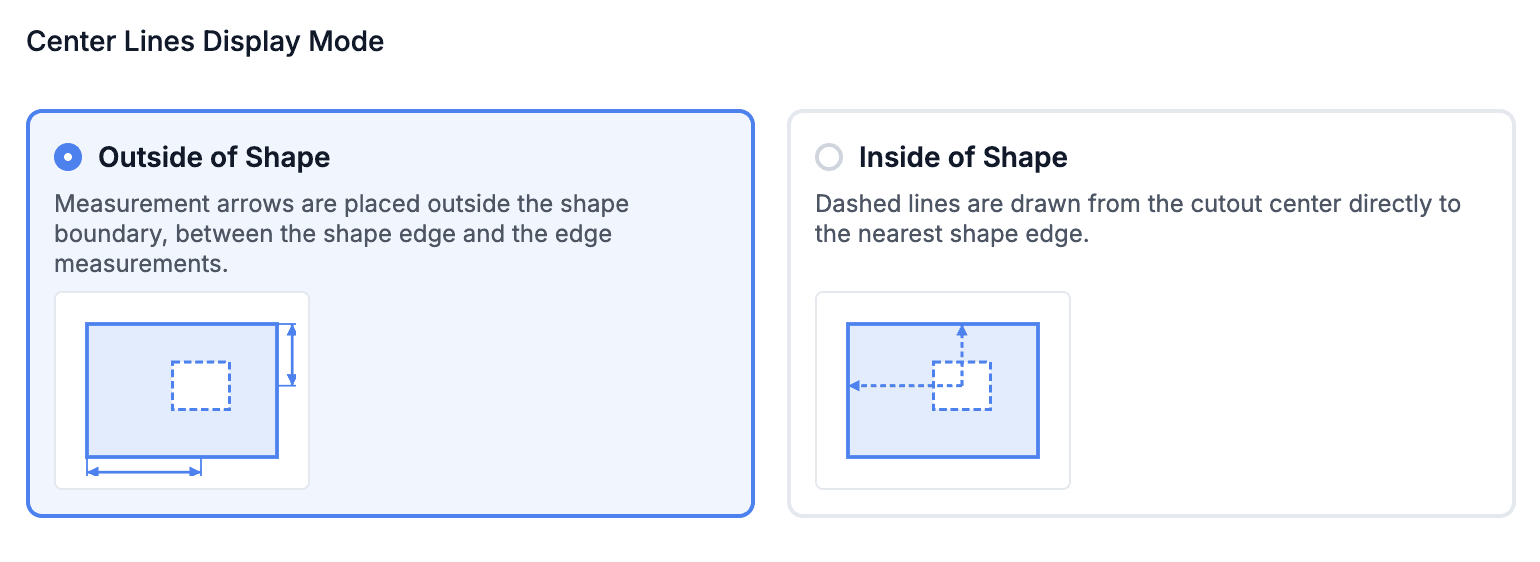
There are two modes for displaying dimensions — outside or inside of the shape. This can be configured in the drawing settings.
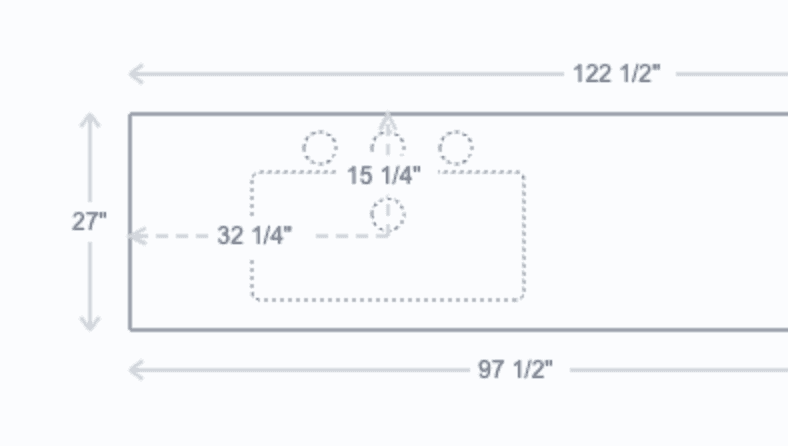
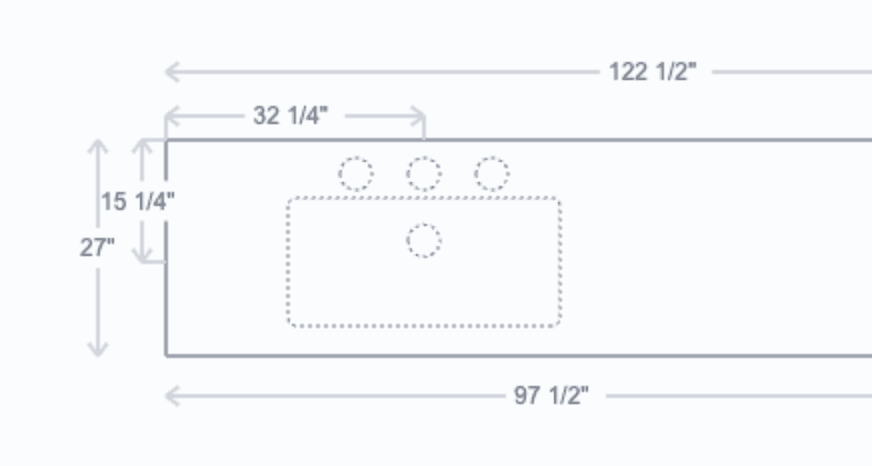
We’re still testing this for different angles and rotations to ensure the dimension lines and arrows render correctly.
Finance
Added a new document called Project Payment Receipt. This allows you to print a payment receipt for your customers.
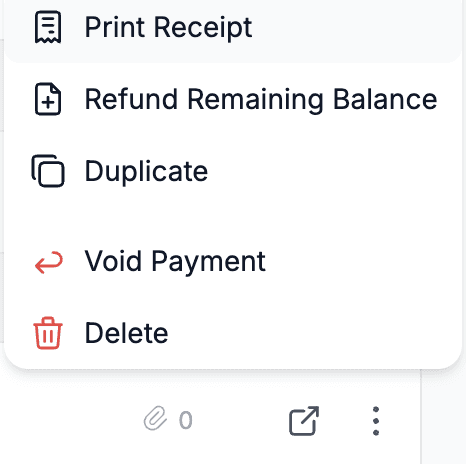
Open a payment and select which packages should be displayed in the document.
Note: this option is available only for payments attached to projects (non-project payments do not have lines to display).
Logistics
Added filters to the logistics screen so you can filter by assignee, group, or status.
Purchase Requests
Added the ability to create a PO directly from a Purchase Request (from the Purchase Request table or the Special Order tab of a project).
Reports
All Tasks report now includes a Material field, which automatically pulls all slab product types for each package the task is connected to.
Sales Forecast report has a new setting allowing you to use either the earliest or latest task for revenue prediction (see report settings for details).
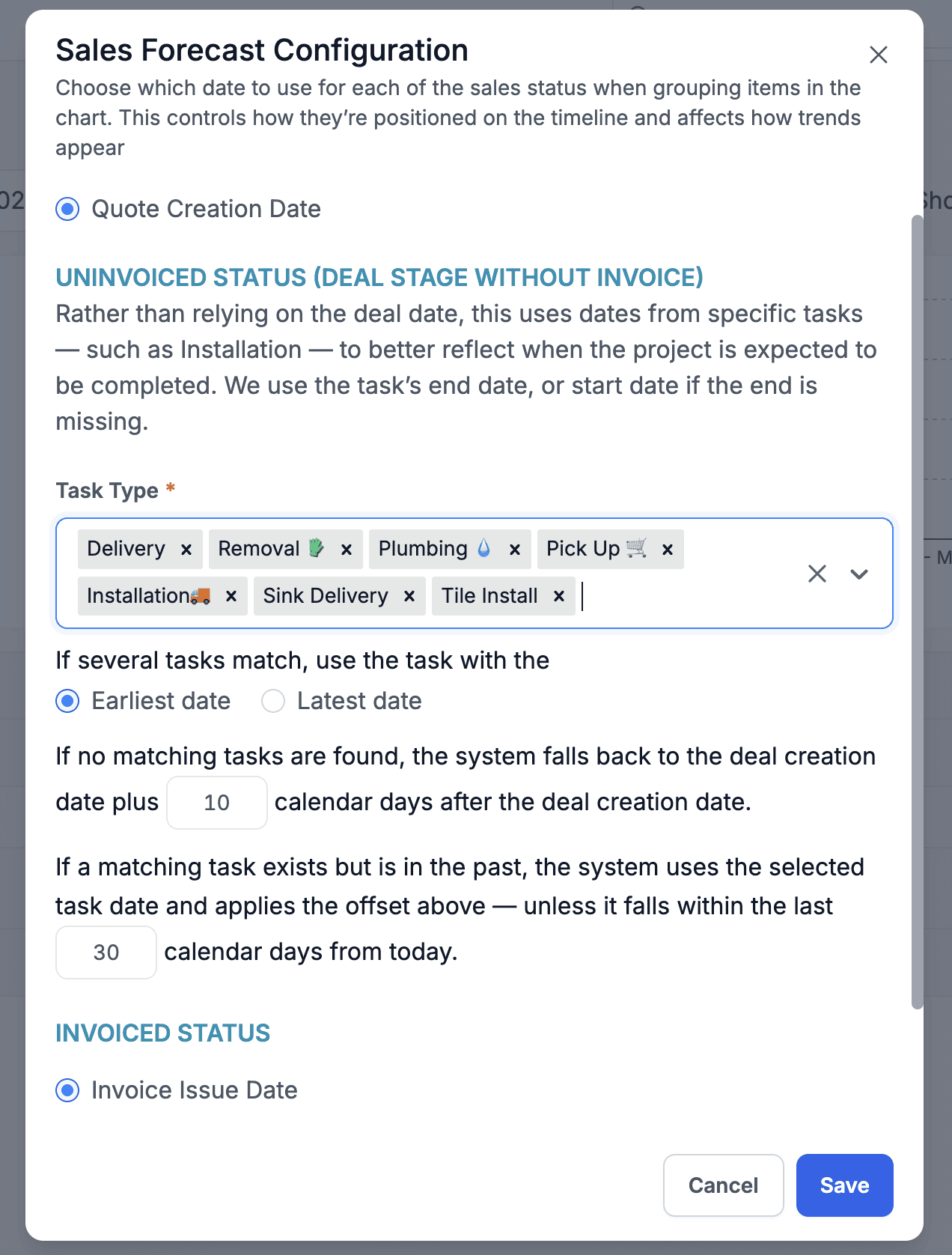
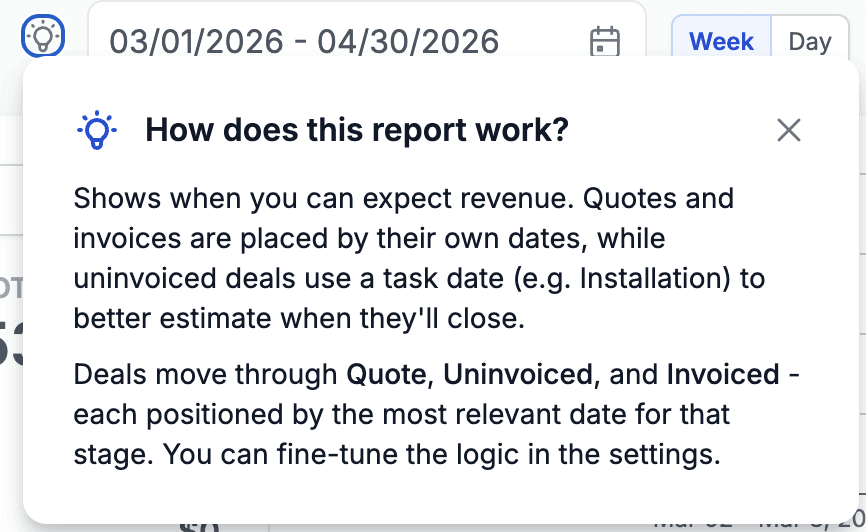
Added a high-level explanation to the Sales Forecast report and the project number set in testing settings is now saved in the URL, so it persists after refresh.
Quotes
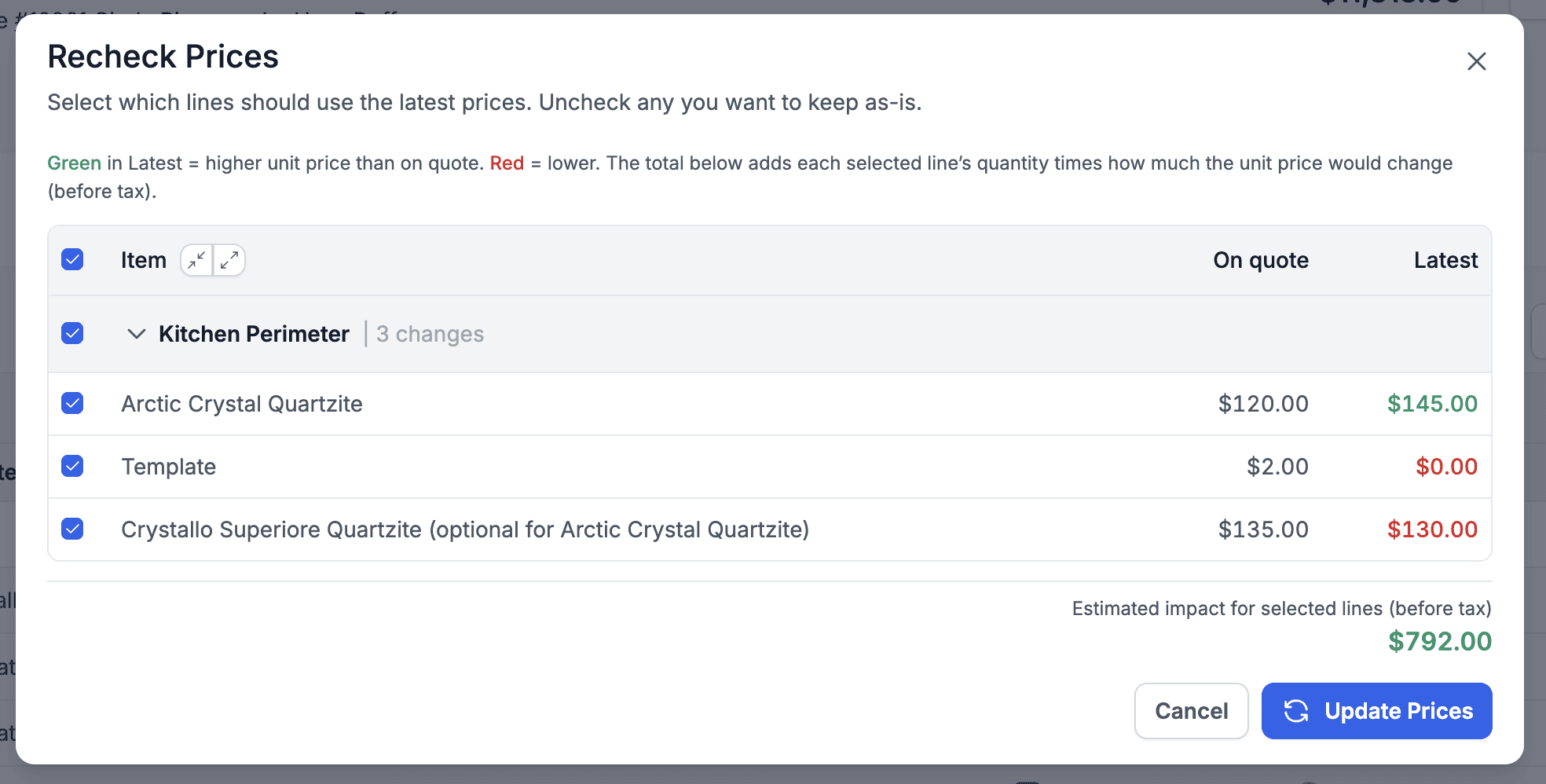
Added a Recheck Prices option to the Actions menu. This compares current catalog prices with the quote to ensure pricing is still up to date.
Inventory
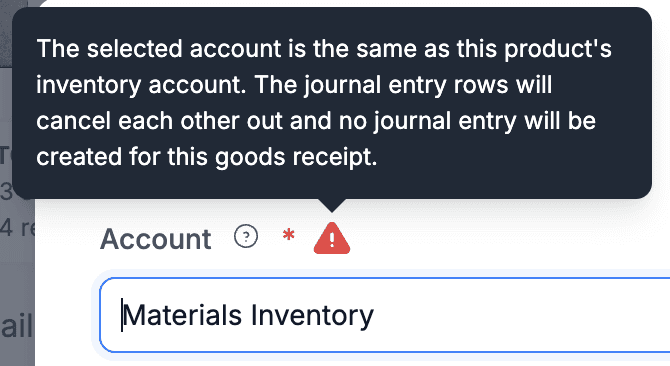
Added a warning when selecting the inventory account during manual goods receipt creation.
Manual receipts should generally not be used in standard workflows.
This operation creates no journal entries (it offsets the same account), effectively adding inventory with $0 value, which later results in 0% COGS when sold.