How to Choose Countertop Fabrication Software
A revised quote, a reserved slab, and a changed installation date all need to reach the right people. The best countertop fabrication software for your shop is the system that handles the work you need to manage, at a cost and setup effort your team can support.
Start with drawing and quoting if that is your main need. Compare job-management tools when scheduling and job details are the problem. Evaluate an ERP when sales, inventory, production, and finance need to share information. This guide explains what small shops and larger fabricators should test before choosing.
Choose the Scope Your Shop Needs
Use the problem you need to solve to decide which type of software to compare. During each demo, test a recent job from your shop.
Use the Countertop Fabrication Software Demo Checklist to record what each vendor demonstrates, the setup required, and the price of the configuration you would buy.
Choosing Software for a Small Countertop Shop
For a small countertop shop, start with the work that takes the owner or estimator the most time. Compare drawing and quoting tools if preparing estimates is the main problem. Add scheduling and job management if approved jobs are getting lost between the office, shop, and installers. Check the cost for your actual users and the help available during setup. A small team may still need an ERP when its work is complex.
Choosing Software for a Large Fabrication Shop
For a large stone fabrication shop, prioritize consistent job information across sales, inventory, production, installation, and finance. Compare connected shop-management and ERP systems using the workflows your departments need to share. If you run several locations, test inventory and job visibility across them, permissions for different roles, and reporting across departments. Shop complexity matters more than headcount alone.
What to Look for in Countertop Fabrication Software
Use the same recent job in every demonstration. Ask the people who quote, reserve slabs, schedule work, and invoice customers to test the steps they own. Record what works in the demonstrated setup and what would need additional work.
Customer and Lead Management
Enter a customer inquiry, attach the plans, and assign the next action. Check whether another salesperson can find the conversation, current quote, and promised follow-up without asking the original estimator.
Quotes and Estimating
Price a kitchen using your materials, edges, cutouts, fabrication, and installation charges. Check taxes, discounts, and the customer-facing quote. Revise the scope and see how the system records the change and carries the approved details into the job.
Drawing and Layout Planning
Draw the countertop, change its dimensions, and check the resulting quantities and quote lines. Lay out the pieces on the slabs you would use. If your workflow needs slab photos, vein matching, template imports, or machine files, test those requirements with your own files.
Project and Installation Management
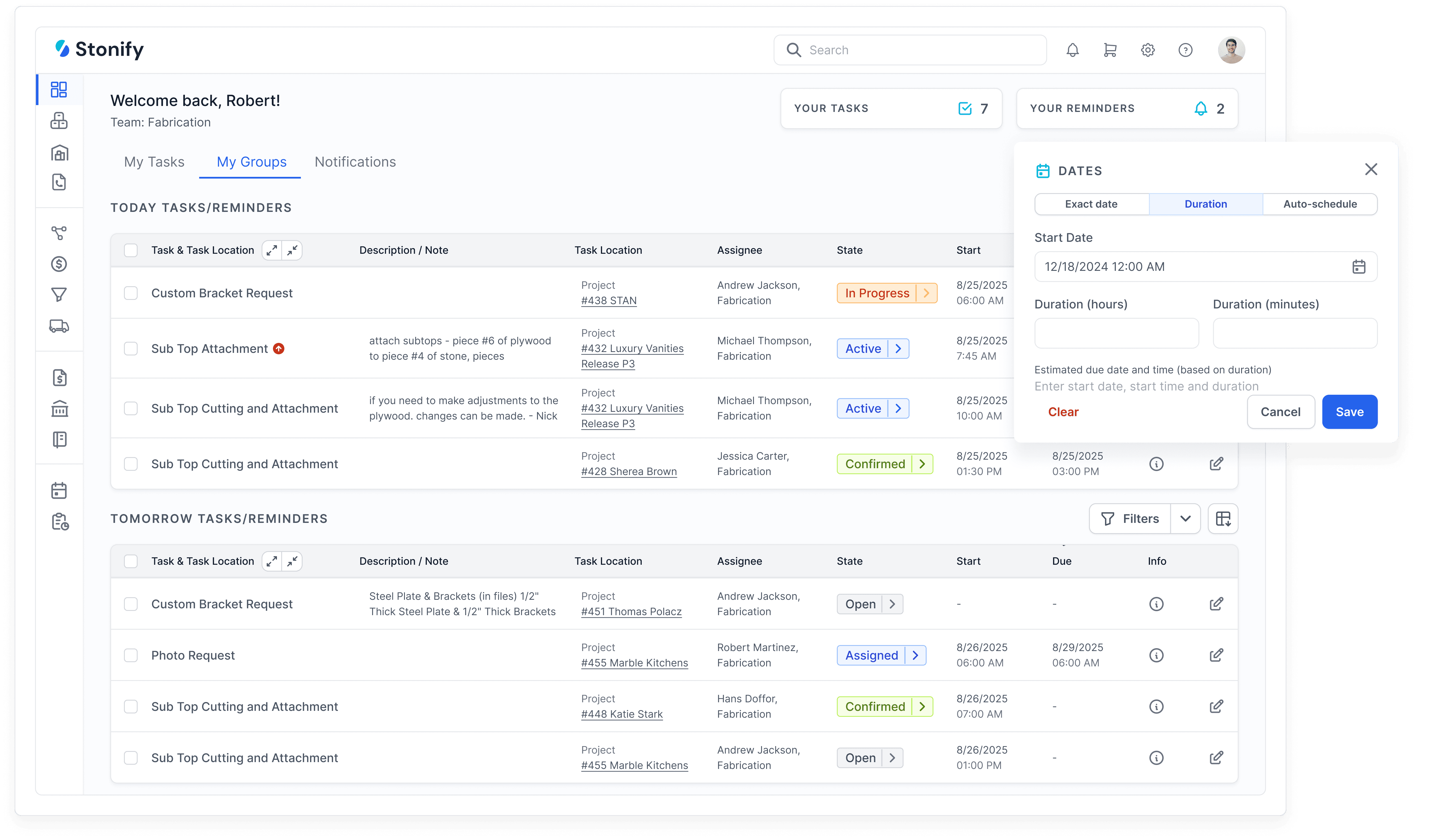
Move an approved quote into production and assign the next tasks. Change a date or drawing and have the shop and installation crew find the current instructions. Check access on the devices they normally use, including any limits when connectivity is poor.
Slab Inventory and Warehouse Management
Find a slab, reserve it for a job, and check whether another estimator can see that reservation. Follow receiving, consumption, and the remaining material. If you use barcode labels, inventory audits, or multiple warehouses, include those steps in the demonstration.
Logistics and Scheduling
Schedule templating, fabrication, and installation, then introduce a delay. Check how the system exposes conflicts, changes crew assignments, and communicates new dates. If deliveries or route planning matter to your shop, test a realistic day with several stops.
Vendor and Supplier Management
Create a purchase order for a job, receive part of the order, and record a supplier invoice. Check where outstanding quantities, costs, and payment status are visible. Ask how the same process handles subcontracted work.
Financial Management and Reporting
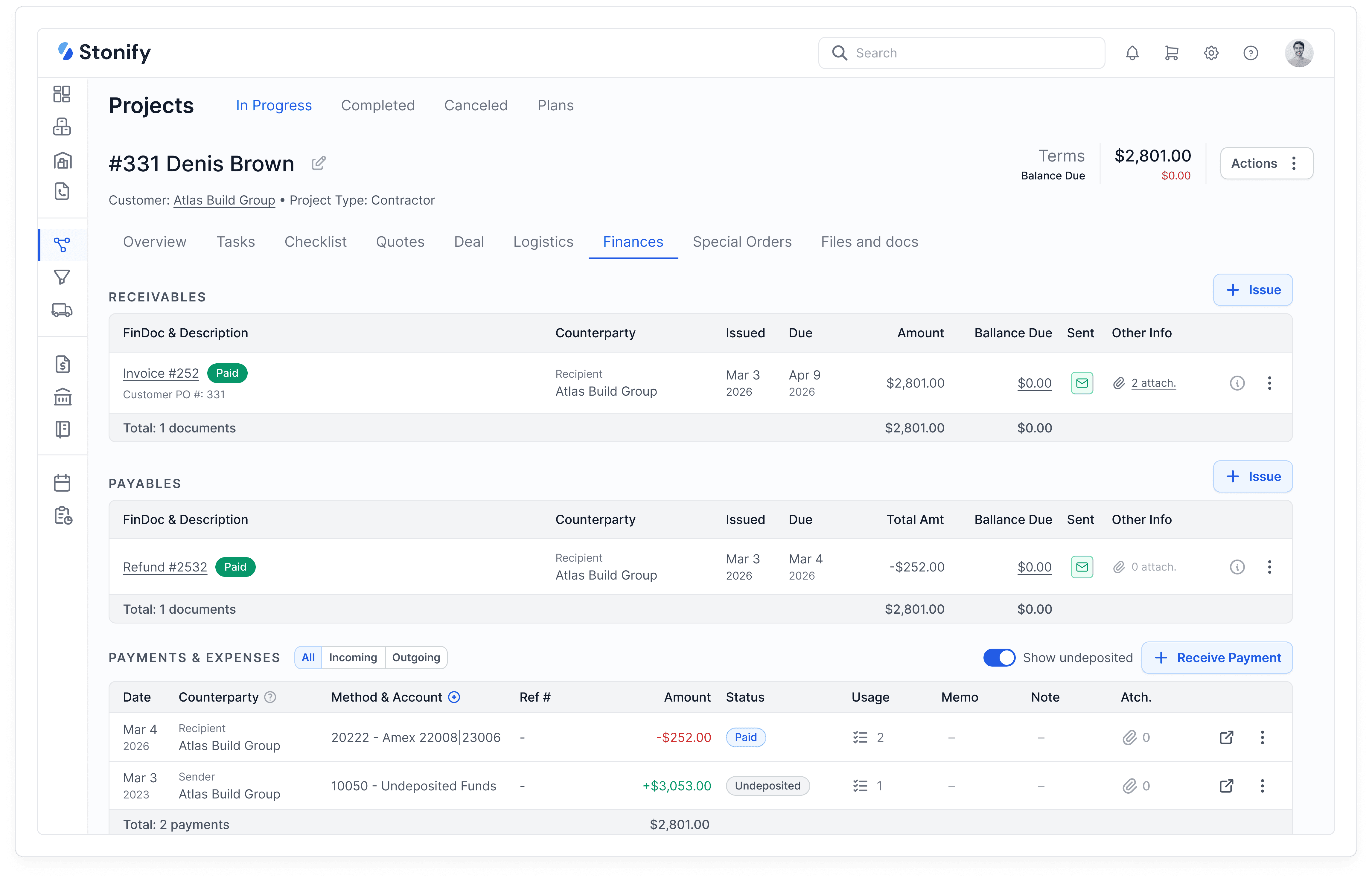
Follow the job through deposits, invoices, payments, and reported costs. Ask your bookkeeper to verify how accounting works in the proposed setup. If you keep a separate accounting system, confirm which records move between systems, when they move, and how errors are corrected.
Compare the Full Cost and Implementation Plan
Request a written quote for the configuration your shop would use. Include the subscription, required users, modules, add-ons, integrations, setup, data migration, and training. Ask how the price changes when you add people or locations, and check contract and cancellation terms.
Agree on which customers, price lists, slabs, open jobs, and financial records will move over. Have the vendor demonstrate a sample import and explain how your team will check it. Assign responsibility for cleaning the data and preparing the new setup.
Ask who trains each role, how support requests are handled, and what happens if an issue stops quoting or scheduling. Confirm how you can export your information if you later change systems. Include your team’s setup time in the decision.
Where Stonify Fits
Stonify offers a standalone Drawing Only plan and a Full ERP Platform. Drawing Only covers layouts, slab plans, and printable quotes. The broader platform includes CRM, scheduling, inventory, accounting, and reporting.
Use the same buying tests to evaluate Stonify. For a focused drawing and quoting need, review Drawing Only. For connected shop workflows, ask for a demonstration that follows your job from quote through installation and invoicing. Confirm your required users, integrations, setup, and current price before deciding.
Test One Job Before You Decide
Choose a recent job with a revision, a material reservation, and an installation change. Run it through each shortlisted system with the people who will use it. Record completed steps, repeated entry, missing information, and extra setup.
Select the system that meets your required workflows, gives your team usable job information, and has a clear cost and implementation plan. Keep the demonstration notes so the agreed scope carries through to setup.
Estimate Your Monthly Cost
Pick a plan, add your team, and watch your price update in real time.