
Choose What Customers Can See
Choose the folders your customers can open. Here, Install Pictures is checked, so customers can see new photos you add there. Install Paperwork stays private.
Check Who Has Opened the Project
Give a customer contact access from their Portal tab. They can sign in through an email link. On the project, open Portal to check which contacts have access and when each last visited.


Find Job Photos and Sign Documents
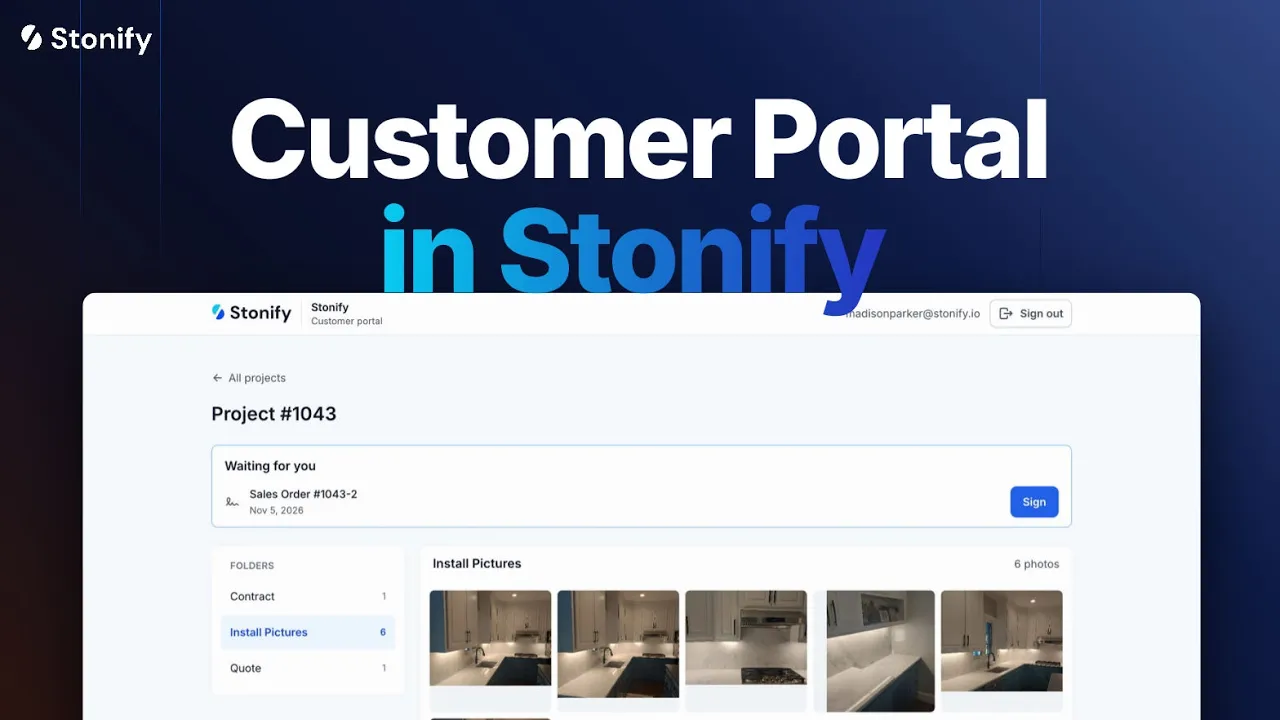
A homeowner can open the Photos folder to look over the install or go to Drawings to check the layout. If a material approval needs a signature, it appears above the folders. They can open and sign it right there.