Release notes v0.5.98 (Drawing layout, Export products, Audit improvements)
Feb 4, 2026
Drawing
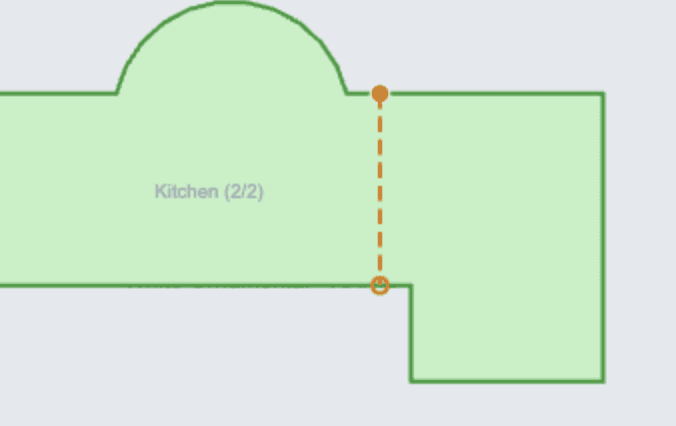
Added the first version of the Layout step, where you can define seams and compose drawing pieces on slabs.
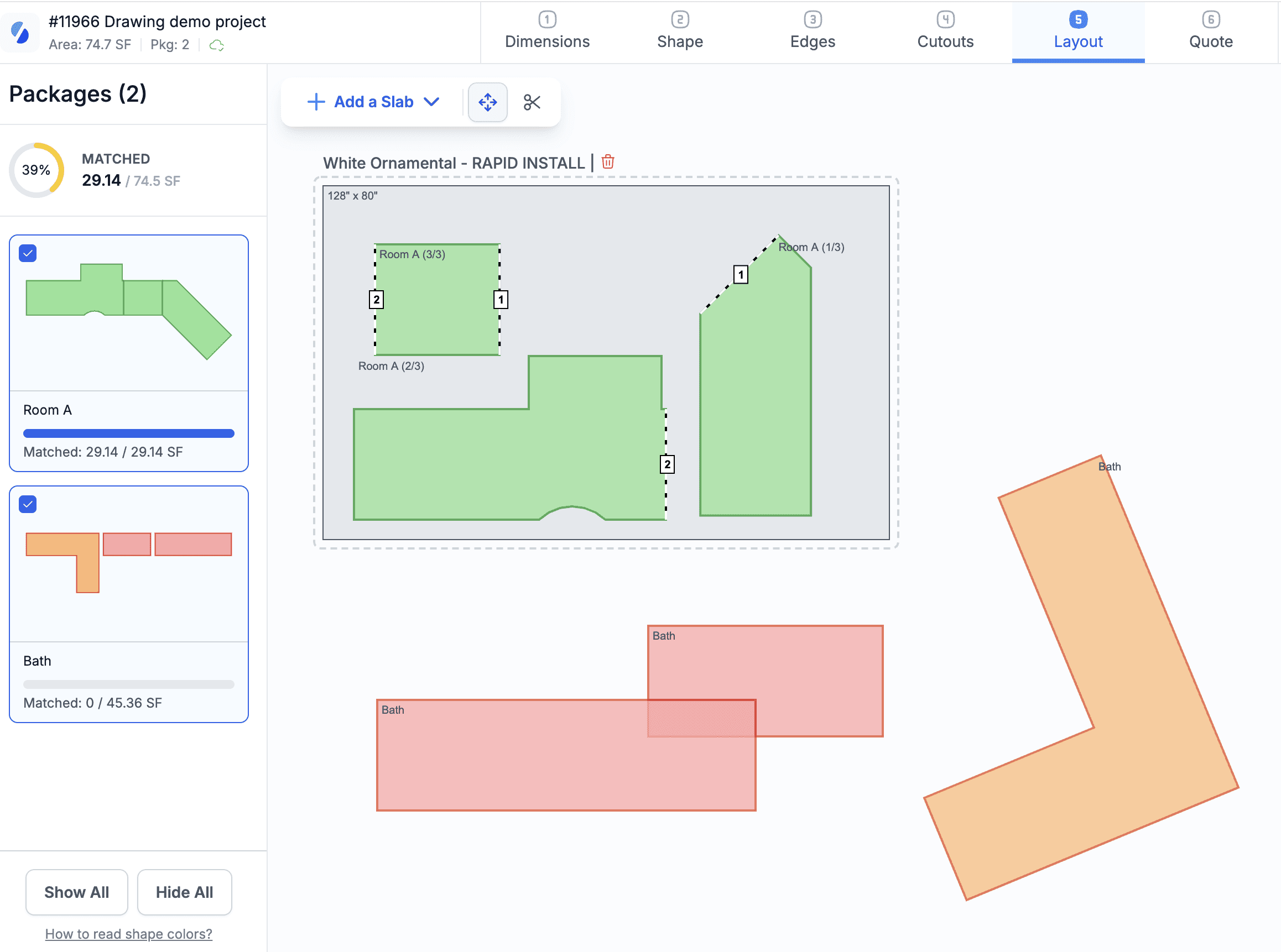
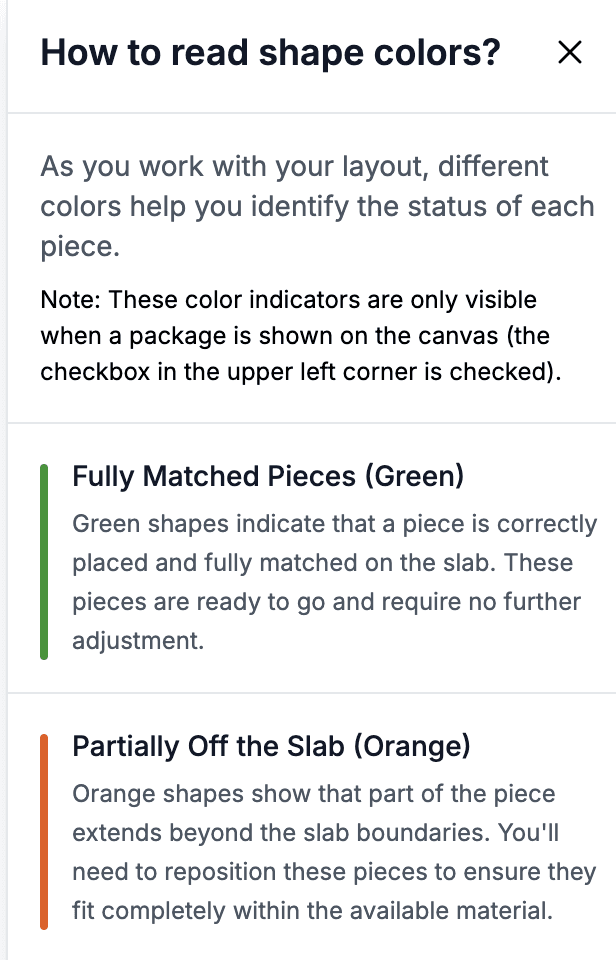
The left menu shows all your packages, and the color coding indicates different types of conflicts (e.g., two pieces that overlap are shown in red). Click the text “How to read shape colors?” at the bottom of the left menu to see the full explanation.
You can select which packages you want to include in the layout by clicking on them. This helps keep the canvas organized. Each package also shows a quick overview of whether all its pieces have been placed.
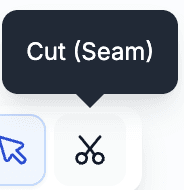
A seam can be added by clicking the scissors icon.
You can add slabs by clicking Add a Slab. You can either:
Add a generic slab dimension (not connected to inventory), or
Add a specific slab from inventory.
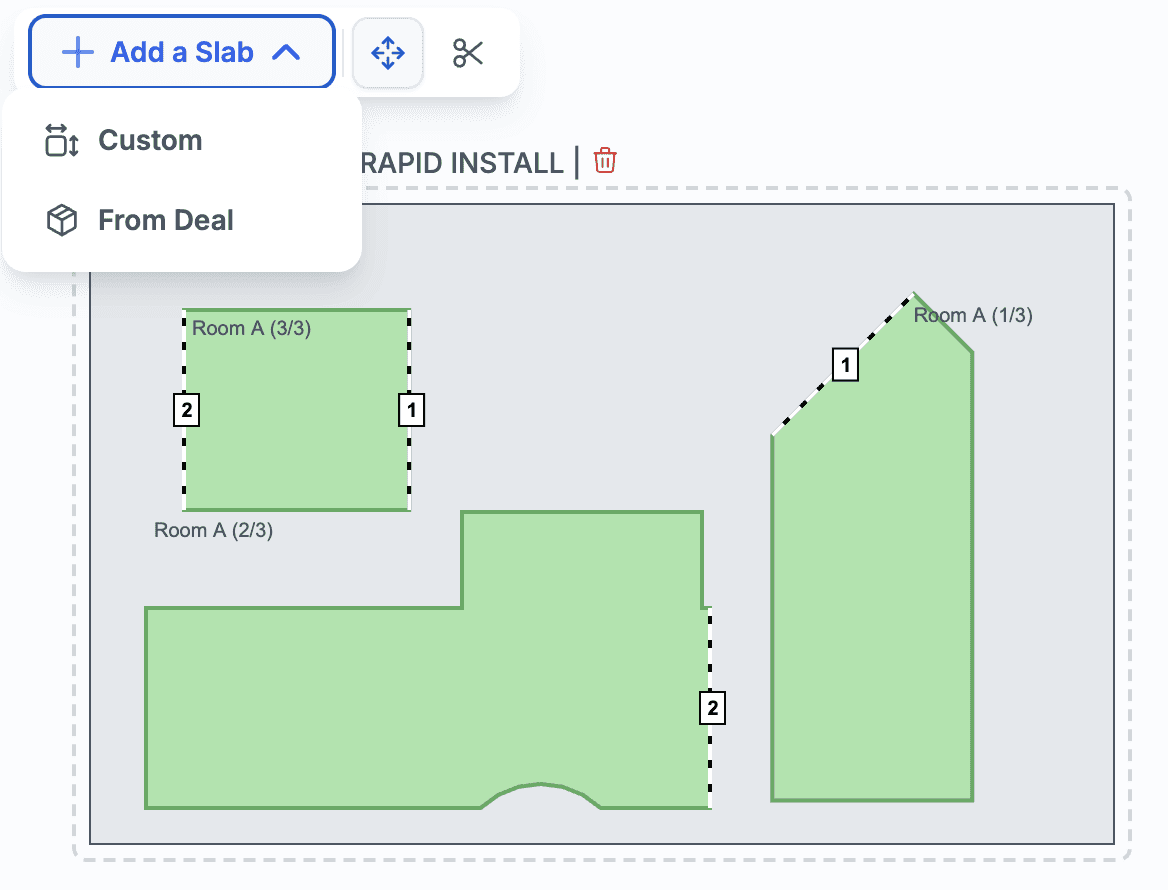
When adding slabs from inventory:
In the Quote phase, the slab is put on hold.
In the Deal phase, the slab is allocated to the line with the highest quantity.
This ensures that pieces used in the drawing are not taken by someone else and reuses the existing inventory hold/allocation logic.
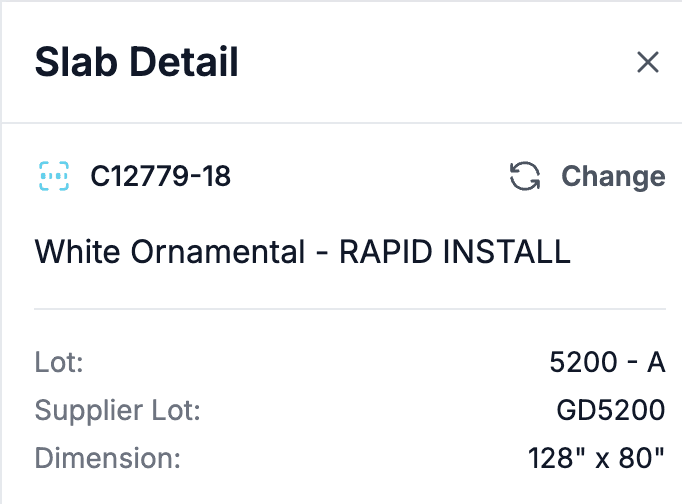
The left menu then shows information about the slab
Products & Services
Added the ability to export the product/service catalog. Users need the Export Products & Services permission from the Data Import & Export permission group.
Inventory can be exported as well. Note that the inventory export includes only the currently displayed page.
Added an option to filter products by custom fields.
Finance
Bills can now reference the Chart of Accounts directly, so there’s no need to create services for internal expenses.
Inventory Audit
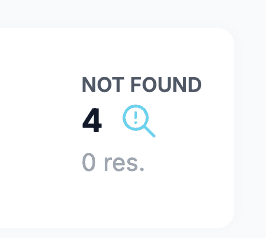
Added a new category called Not Found. You can move inventory from To Be Scanned into this category and decide how to handle missing items afterward. This helps keep audits clean and allows you to always reach 100% completion.
When an audit is created, a snapshot of inventory is captured to ensure a consistent audit trail. If inventory changes during the audit due to regular operations (e.g., transformations, returns, write-offs), some items may remain in To Be Scanned even if they no longer exist in live inventory.
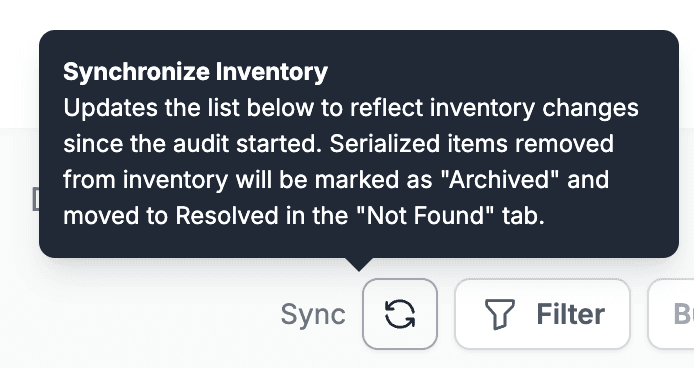
The Sync button updates the audit with the current live inventory and automatically removes items from To Be Scanned that were transformed, returned, or written off.
Custom Fields
Added a Number type field.
Product Catalog for Customers
Increased the maximum number of items in a catalog to 300.
Reports
The All Tasks report now has configuration options for which fields are displayed and added sorting for multiple columns, so you can explore the data without needing to export it to a spreadsheet.
Logistics
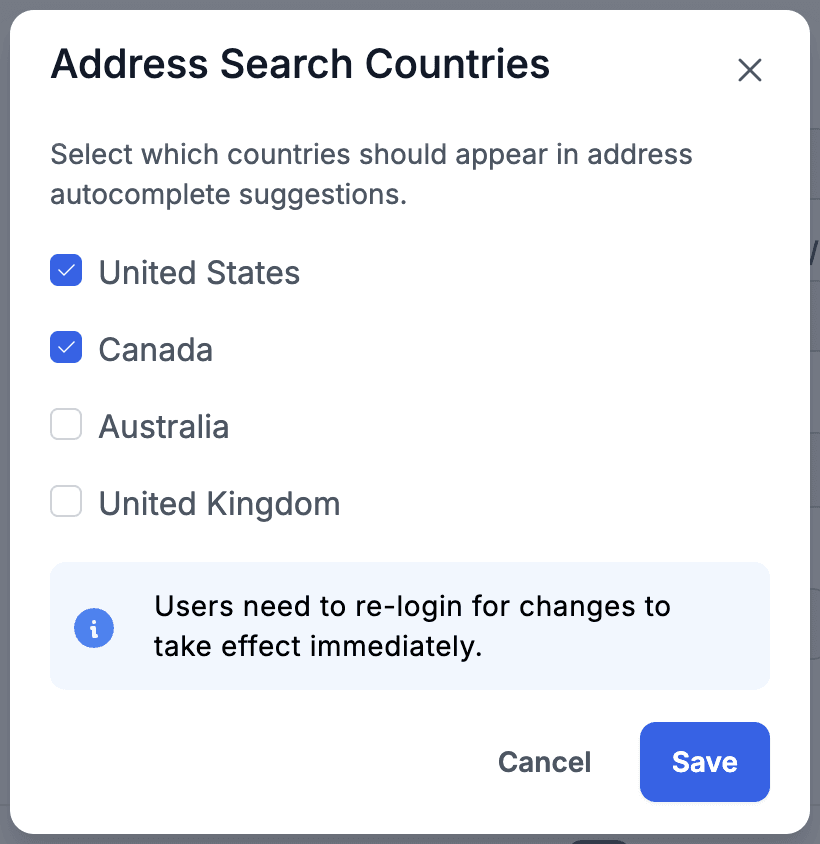
Added a new setting in Logistics > Routing that allows you to limit map search to specific countries.
Projects
Added the ability to delete a project. Only cancelled projects can be deleted, and the user must have the Delete Project permission.
More Notes
Release notes v0.6.0 (Vein matching in Drawing)
Feb 18, 2026
Release notes v0.5.99 (Vendor export, Saved filters across the app)
Feb 11, 2026
Release notes v0.5.97 (Stripe, Inventory promotions)
Jan 28, 2026
Release notes v0.5.96 (Relative date filter)
Jan 20, 2026
Release notes v0.5.95 (Cost & Profit, Margin Calculator, Speed Label)
Jan 14, 2026
Release notes v0.5.94
Jan 5, 2026