Release notes v0.5.93 (TBD)
Dec 10, 2025
Drawing
We are excited to announce our most anticipated feature yet — Drawing. It is now available in Preview mode. You will see a Preview badge inside the drawing tool; clicking it will show you everything we are currently working on.

What is Preview? The purpose is to gather your early feedback. The tool is fully usable, but we are aware of several quality-of-life improvements that are still in progress (as listed under the Preview badge). We are actively working on these and reviewing all flows to ensure stability and consistency.
We expect to have the non-Preview version available in January.
It’s important to set up the Drawing Catalogue correctly. Go to Settings > Drawing to configure it (only users with the Drawing Settings permission can make changes).
The drawing may feel familiar if you've used similar tools before, but you will notice some new capabilities—especially Drawing ↔ Quote matching.
Because the drawing is deeply integrated into Stonify, you can create a quote in multiple ways:
Start with a drawing and generate quote lines.
Create a quote first and add the drawing later.
Switch freely between the drawing and the quote.
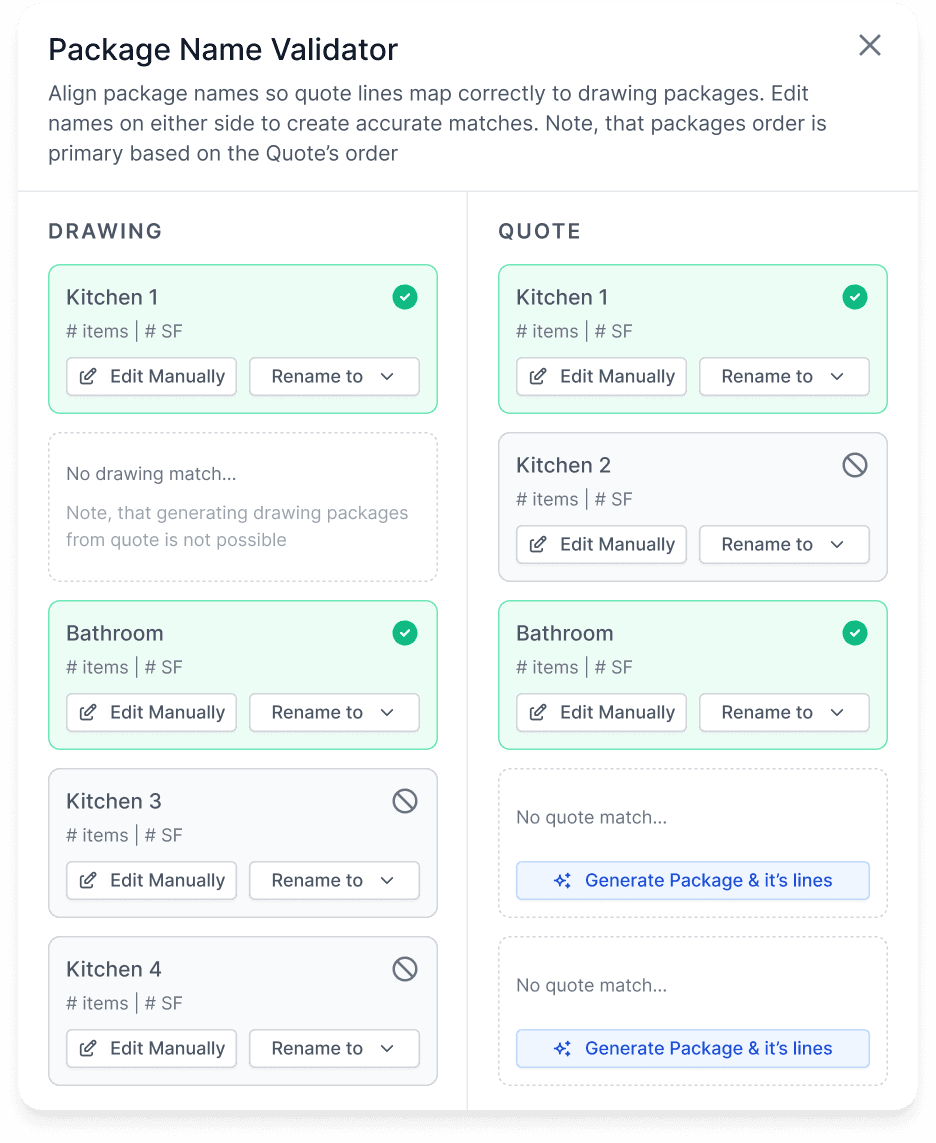
The system handles all these cases and smartly matches packages and lines, showing missing lines or differences in quantity.
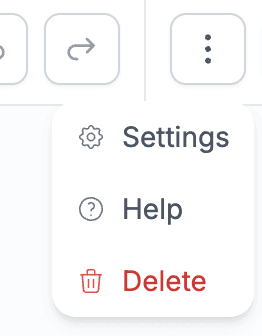
Be sure to check the help icon inside the drawing. It explains interactions (e.g., how to move the canvas). We’ll add more tips over time, but the goal is to make everything intuitive so you rarely need to open it.
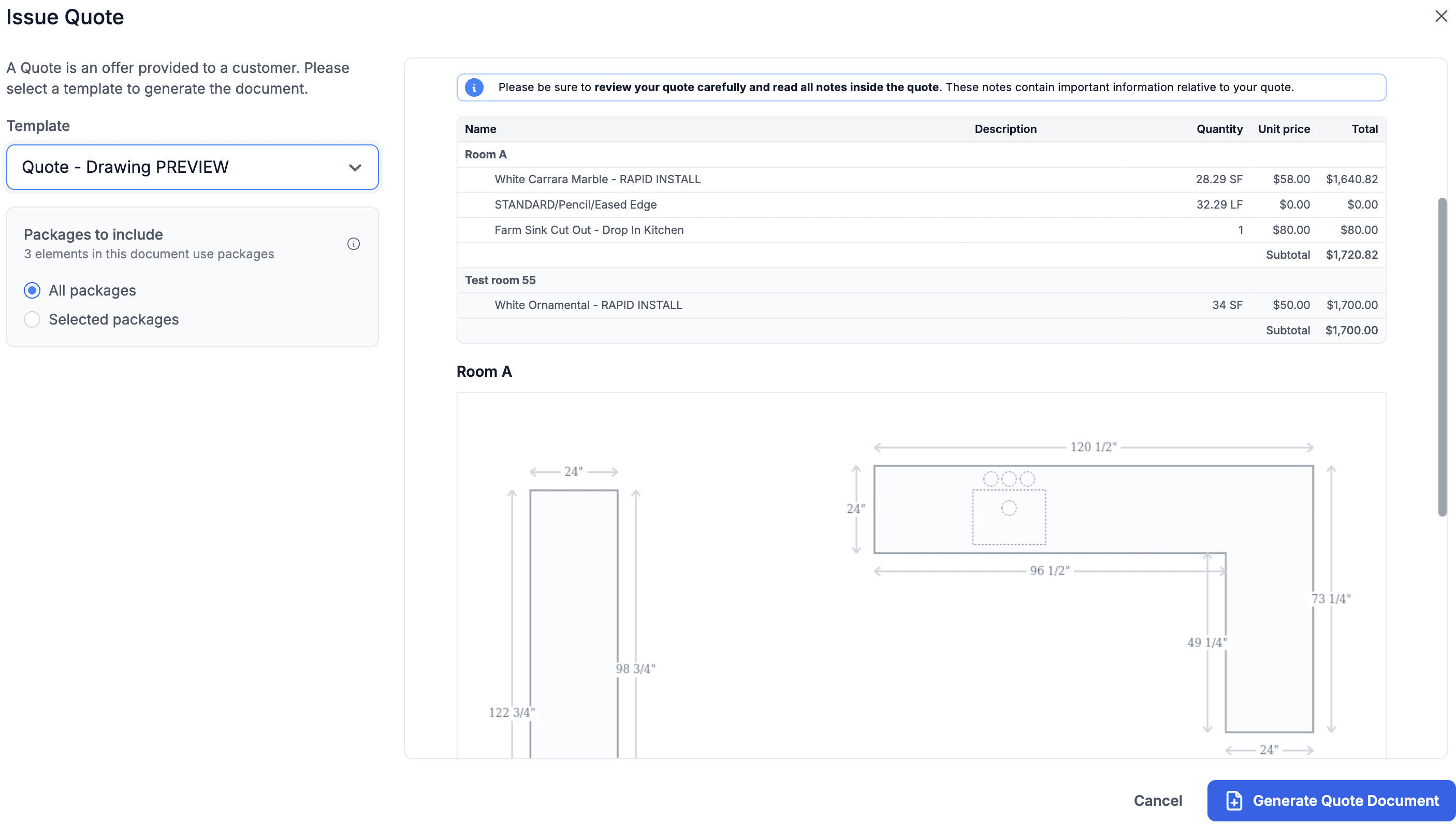
You will also notice a new way of generating Quotes. This gives you a preview of the future direction, where each document can be customized at the moment it’s generated—allowing you to make quick adjustments without changing the underlying document settings.
We've added a document for you to test this called Quote - Drawing PREVIEW
Right now, this is used only for Quotes, where you can choose exactly which packages/rooms you want to include before sending.
Products & Services
Introduced a new feature called Catalog. You can open it from either a Customer or Product/Service Detail page (but typically you’ll use it from the customer detail).
Adding products/services into a customer’s catalog restricts which items can be used on quotes for that customer.
This lets you define a specific product/service list per customer and ensures all quotes follow that list.
Contacts
Added support for change history. Just click the Actions menu to view it.
Purchase Orders
The Additional Charges table now supports adding products.
This is useful for capturing discounts or price changes outside of the standard PO (e.g., receiving a credit memo due to damage).
Adding items here will recompute the landed cost of the inventory in the same way as modifying a PO line.